

Lead management for small business
No complicated CRM needed. Booking requests, orders, contact form emails and missed calls land in one lead inbox instead of five places, so you answer faster and nothing slips through.
- Bookings, orders, contact forms and missed Google calls in one place
- Each request shows where it came from
- Connected to your Brand Dad website, booking and Google profile

For lead management in a small business, Brand Dad offers a lead inbox that collects bookings, online orders, website contact forms and missed calls from Google in one place, so no request gets lost between email, phone and paper notes. The lead inbox is part of the Business plan at €59 per month billed yearly (€69 monthly), plus VAT.
Why one inbox beats five places to check
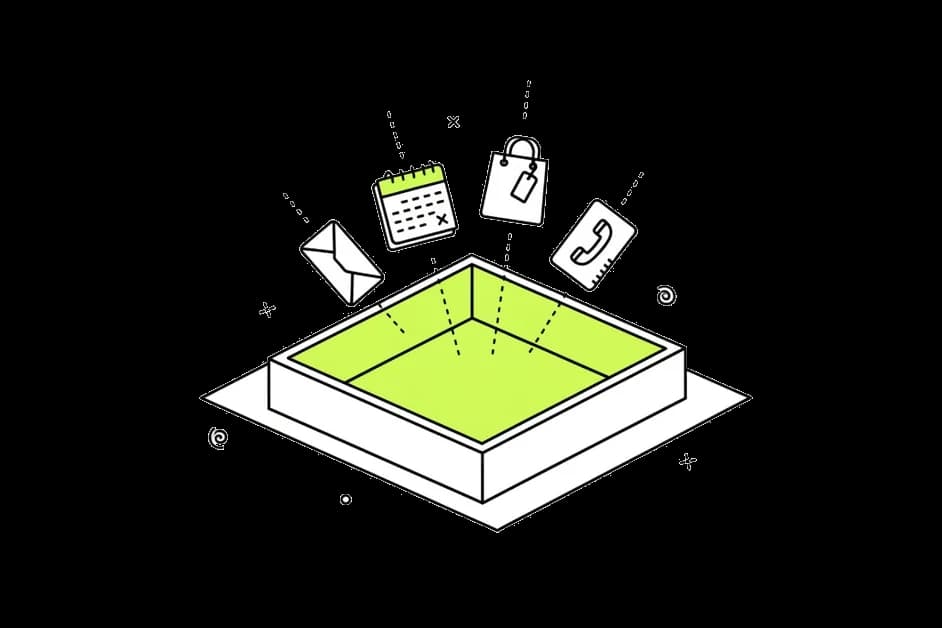
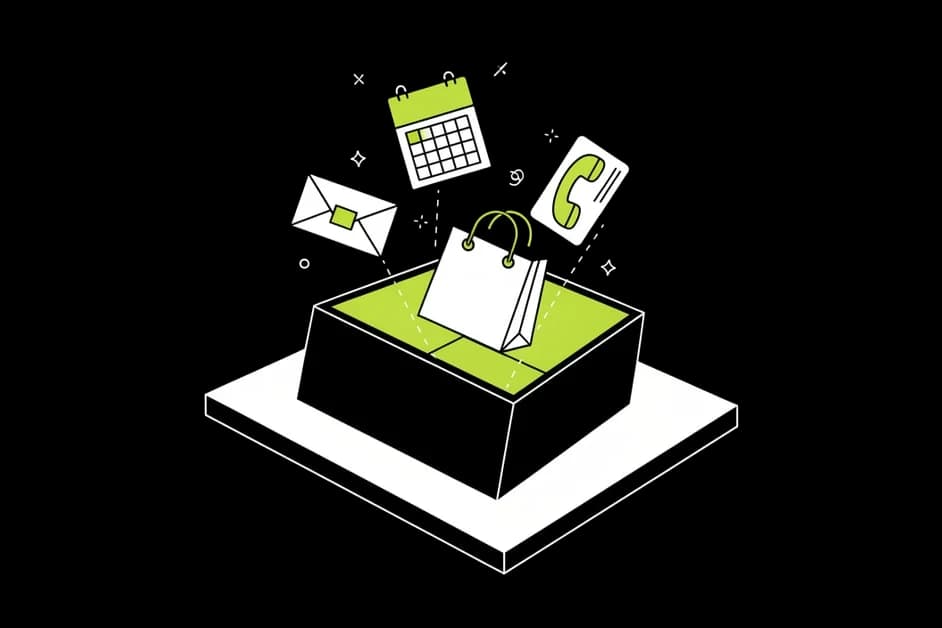
No request gets lost
When bookings, orders and messages all land in one list, you stop finding a three-day-old enquiry in your spam folder. Every request has a place.

Faster answers win the job
People who ask a local business for a quote or a table often ask two or three at once. The one that replies first usually gets it.
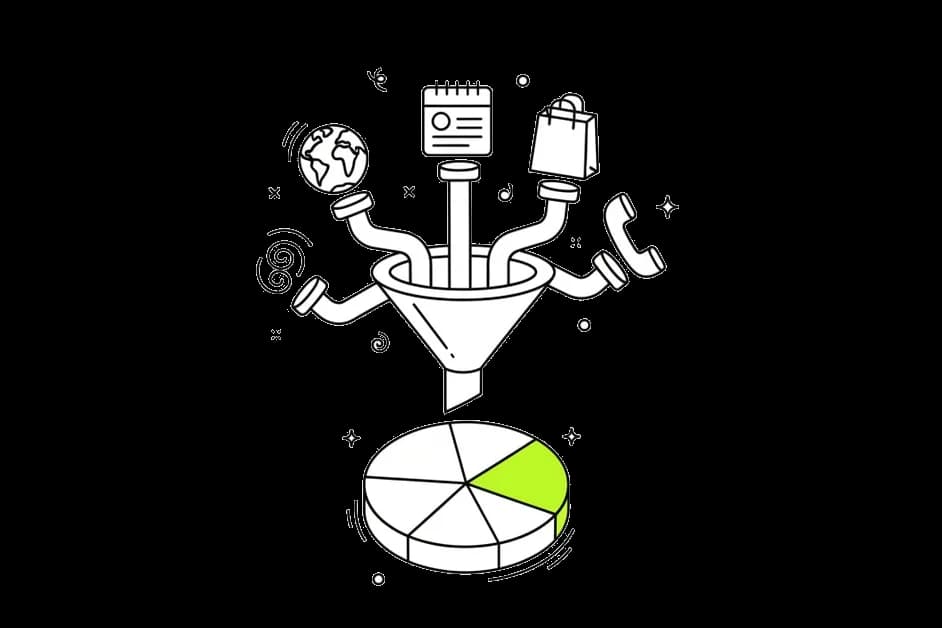
Know where customers come from
Each entry shows its source: your website, a booking, an order or a call via Google. Over time you see which channel actually brings customers.
What lands in your lead inbox
Appointment and table bookings
When customers book through your Brand Dad website, the booking appears in the inbox with date, time and details. Useful for a dentist with new-patient requests or a restaurant on a busy Friday.

Online orders
If you take orders online through Brand Dad, each order shows up next to your other requests, including what was ordered and whether it was paid online.

Contact form messages
Messages from the contact form on your Brand Dad website go to the inbox instead of disappearing among newsletters and invoices in your personal email.
Missed calls from Google
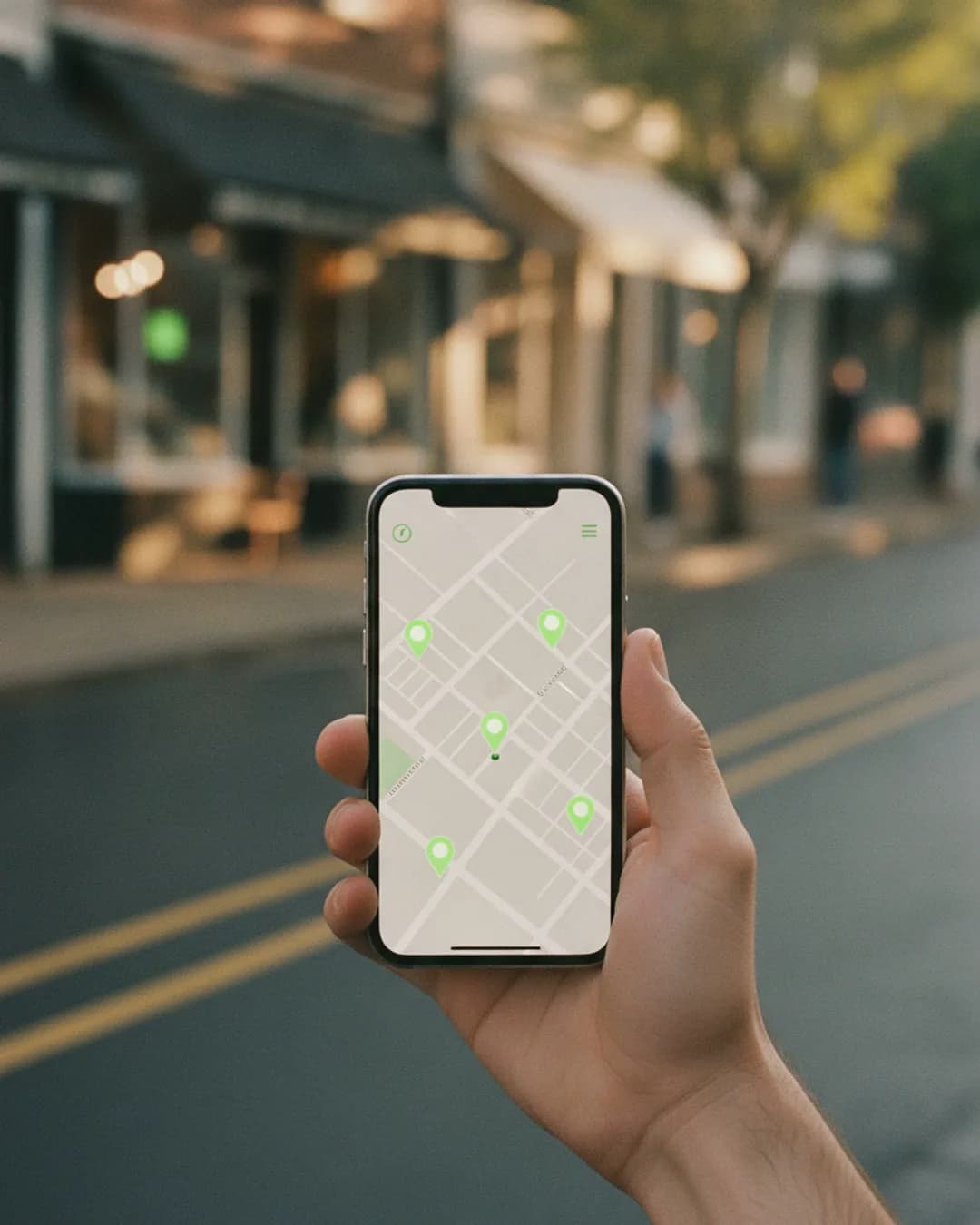
Calls that come through your Google Business Profile and go unanswered are listed too, so you can call back while the customer is still looking. For a plumber or a car repair shop that can be the most valuable line in the list.

Ask Brand Dad AI about your requests
The Brand Dad AI assistant works across all modules. Ask it why there were fewer calls this month or which channel brought the most requests, and it answers from your data.
Lead management: why a CRM is often too much
Most advice on lead management for small business starts with buying a CRM. For a sales team that makes sense. For a dental practice, a café, a hair salon or a two-person electrician business it usually does not. You end up paying for pipelines, deal stages and forecasting you never use, while the real problem stays: requests arrive in too many places.
Think of a typical Monday at a small practice. Three online booking requests came in over the weekend. Someone filled in the contact form asking about prices. Two people called via the Google profile on Sunday morning, and nobody picked up. The information exists, but it is spread over a booking tool, an email account and the phone log. By the time everything is checked, one of the callers has booked elsewhere.
Brand Dad's lead inbox fixes the spreading, not the selling. Because your website, booking, ordering and Google Business Profile already live in Brand Dad, their requests can arrive in one list without extra connections or copy and paste. You open one screen in the morning, work from top to bottom and you are done.
That is also why the lead inbox sits in the Business plan: it is most useful when the website, booking or ordering and Google profile all run through Brand Dad. If you only use the Local module for Google Maps rankings, there are fewer requests flowing through Brand Dad to collect. When your business grows into needing a full sales CRM, you will know, and the inbox has already taught you where your customers come from.
Set up your lead inbox in three steps
Build or connect your website
Create your site with the AI website builder. The contact form is connected to the inbox from the start.
Switch on booking or ordering
Add appointment or table booking, or online ordering with online payments. New requests flow into the inbox automatically.
Connect your Google profile
Link your Google Business Profile so missed calls from Google show up in the inbox next to everything else.
Brand Dad lead inbox vs. the usual setup
| Brand Dad lead inbox | Email, phone and paper | Separate CRM | |
|---|---|---|---|
| Bookings, orders and forms in one list | Yes | No | With integrations |
| Missed calls from Google listed | Yes | Only in the phone log | Rarely |
| Same tool as website, booking and Google profile | Yes | No | No |
| Setup effort for a small team | Low | None, but chaotic | Medium to high |
| Sales pipeline and forecasting | No | No | Yes |
as of 2026-10 · based on public information, may change
Who the lead inbox is made for
The lead inbox is built for businesses where every request is a real person who wants something soon: a table tonight, an appointment next week, a quote for a broken heating system.
A restaurant sees table bookings and online orders together and can spot a large group booking in time to plan staff. A dental or medical practice keeps new-patient requests apart from the general email account. A tax advisor or real estate agent gets contact form enquiries in one list instead of a shared mailbox. Trades and auto repair shops benefit most from the missed-calls list, because their customers often call from the road and do not leave a voicemail.
If you run several locations on the Business plan (each additional location €24 per month), you see which location each request belongs to, so nothing meant for one site ends up handled by the other. And because the inbox lives next to your Maps rankings and reviews, you can see whether a better position on Google actually turned into more calls and bookings.
Frequently asked questions
What is the best lead management for a small business?
For most local businesses, the best setup is the simplest one that catches every request. A full sales CRM is often more than needed. Brand Dad's lead inbox collects bookings, orders, contact forms and missed calls from Google in one list, directly connected to your website and Google profile.
Do I need a CRM if I use the Brand Dad lead inbox?
Usually not, if you are a local business with direct customer requests. The lead inbox is not a sales CRM with pipelines and forecasts. It is a single place to see and answer incoming requests. If you run a sales team with long deal cycles, a dedicated CRM can still make sense.
Which plan includes the lead inbox?
The lead inbox is part of the Business plan at €59 per month billed yearly, or €69 billed monthly. Business also includes a website with up to 15 pages, bookings and orders, online payments, Local, Social and SEO complete and 250 AI credits per month. The lead inbox is not part of the 14-day free trial.
How do missed calls from Google get into the inbox?
When your Google Business Profile is connected, Brand Dad lists calls that came through your Google profile and were not answered. You see the time and can call back from the inbox. Calls to your number from other sources, like your business card, are not included.
Can I use the lead inbox with a website not built on Brand Dad?
The inbox works best with a Brand Dad website, because contact forms, booking and ordering are connected automatically. With an external website, forms from that site are not collected. Missed calls from your connected Google Business Profile still appear, and you can rebuild your site with Brand Dad later.
Can my team see the lead inbox too?
Anyone who works in your Brand Dad account sees the inbox. Separate team logins and client access are part of the Agency plan, which includes up to 10 client locations. On the Business plan you can add further locations for €24 each per month and see which location each request belongs to.
Can I manage booking requests from my phone?
Yes. Brand Dad runs in the browser and works on a smartphone, so you can check new bookings, orders and messages between appointments or from the kitchen. The inbox shows the most recent requests first, so you see what is new right away.
Related features
Online booking
Let customers book appointments or tables on your website, pay online if you like, and find every request in one inbox. Try it 14 days free.
Learn moreOnline ordering
Take orders on your own restaurant website, get paid online and see every order in one inbox. Change the menu by asking. 14 days free, no card.
Learn moreBrand Dad AI
Brand Dad AI is the AI marketing assistant that knows your business, answers questions and does tasks after your OK. From €29/mo, 14-day free trial.
Learn more
Stop checking five places for customer requests
Describe your business and Brand Dad sets up website, booking and the inbox to match.