

AI video generator for social media
Short videos for Reels and TikTok, without filming a thing. Describe what you want to show, and Brand Dad creates a vertical video with a caption and plans it for Instagram, TikTok, YouTube and Facebook.
- Vertical videos sized for Reels, TikTok and YouTube Shorts
- Colors, tone and offers taken from your brand profile
- Planned and published from the same calendar as your posts


Brand Dad is an all-in-one AI marketing tool for local businesses that includes an AI video generator for social media: it creates short vertical videos with captions in your brand voice and publishes them to Instagram Reels, TikTok, YouTube Shorts and Facebook after your approval. AI video is part of the Business plan at €59 per month billed yearly (€69 monthly), together with unlimited social posts, and of the Agency plan.
Why short videos matter for a local business

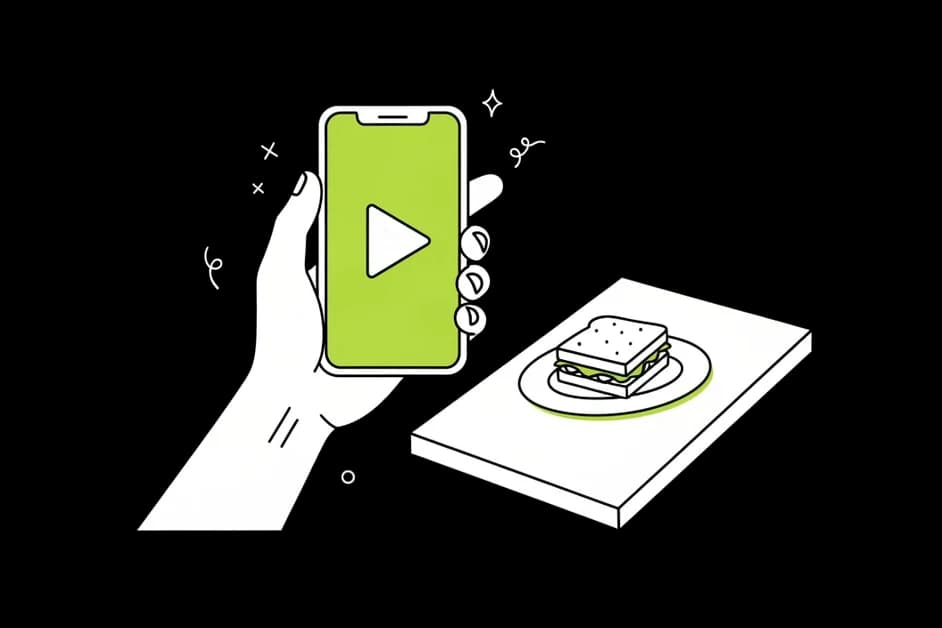
Video is what people watch
Reels, TikToks and Shorts take up much of the feed people scroll during a lunch break. A short clip of your dish, your salon or your workshop is often the first thing a new customer sees of you.
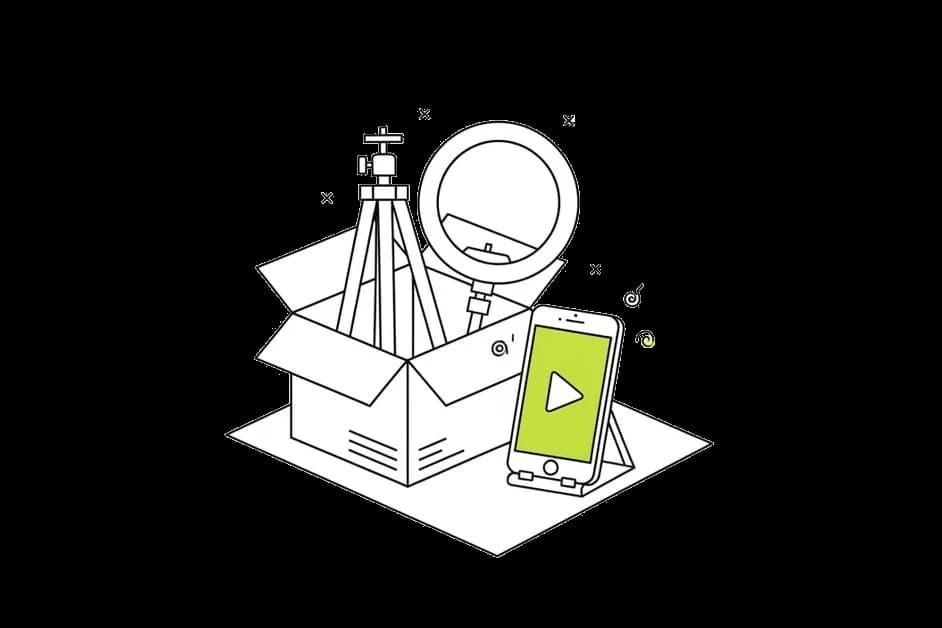
No camera, no editing app
You don't need a tripod, a ring light or an evening in an editing app. Describe the idea in a sentence, and Brand Dad creates the video and the caption for you.
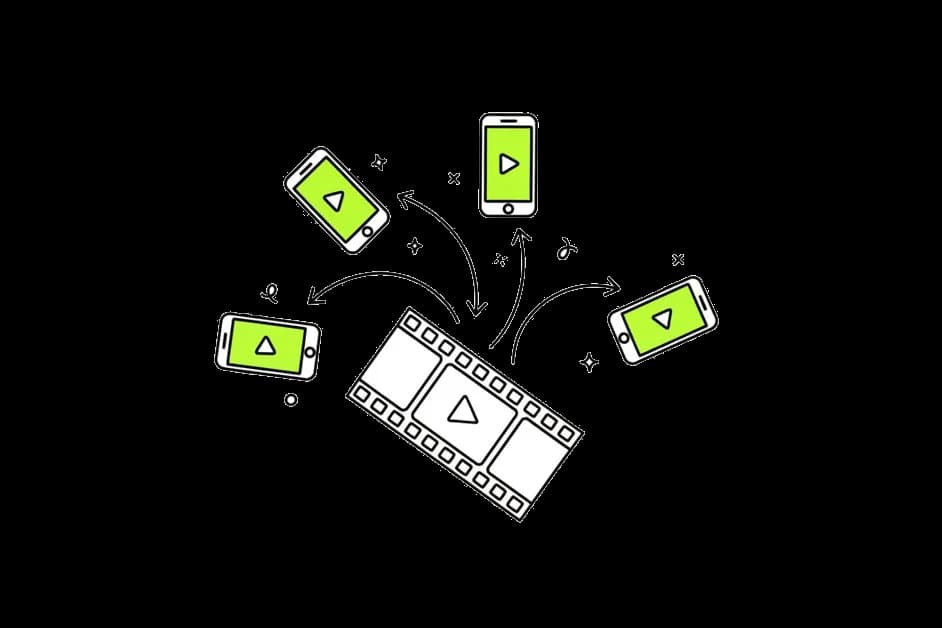
One idea, every channel
The same video can go to Instagram Reels, TikTok, YouTube Shorts and Facebook, each with a caption that fits the platform and a time slot you choose.
What the AI video generator does
From one sentence to a short video
Write what you want to show, for example 'our new autumn menu' or 'why regular brake checks matter before winter'. The AI creates a short vertical video around that idea and writes a caption to go with it. Not quite right? Ask for a different angle, a calmer mood or a stronger hook, and it creates a new version.

On brand from the first frame
Brand Dad uses your brand kit: colors, logo, tone of voice and offers. A dentist's video stays calm and clean, a cocktail bar's video gets more energy. You don't have to explain your brand every time, because the AI already knows it.


Captions and hashtags written for you
Every video comes with a caption in your voice and a short call to action: book a table, call for an appointment, come by on Saturday. Hashtags are suggested to match the topic and your area, and you can edit everything before it goes live.

Planned in the same calendar as your posts
Videos live in the same content calendar as your image posts and Google posts. You see the whole week at a glance, drag a video to a better day, and let Brand Dad publish it to Instagram, TikTok, YouTube and Facebook at the time you set. Gaps in your plan are easy to spot, and Brand Dad can suggest a video to fill them.

You approve, or you let it run
Approve each video with one tap on your phone, or allow automatic publishing for the content you are comfortable handing over. By default nothing is published without your OK, so there are no surprises on your channels.
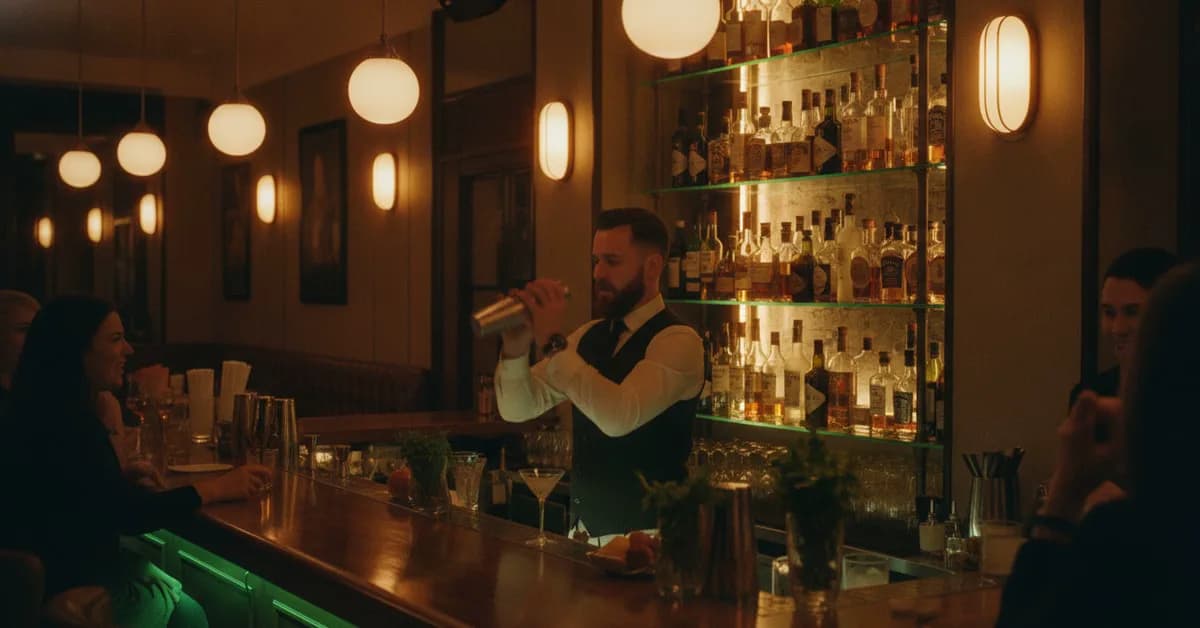
What an AI video generator for social media can do
An AI video generator for social media turns an idea into a short vertical video you can post as a Reel, TikTok or YouTube Short. For a small business without a video team, that solves the biggest problem with short-form video: it takes time you don't have.
Think of the Thai restaurant that wants to show its new lunch menu, the hair salon announcing free slots on Thursday, or the electrician explaining what to check before calling for help. Each of these is a good short video. But filming, cutting, adding text and finding the right format for each app turns a 15-second clip into an hour of work. Most owners give up after the second try.
Brand Dad takes over the parts that cost time. You describe the topic, the AI creates the video and the caption in your brand style, and the planner publishes it on the channels you choose. Because the video generator is part of the same tool as your website, Google profile and image posts, the offer you show in a Reel can also appear as a Google post and on your website.
A few honest notes. AI videos are great for announcements, offers, tips and atmosphere. They do not replace real footage of your team or your premises, which builds a different kind of trust. The best mix for most local businesses is both: AI videos to keep a steady rhythm, and now and then a quick clip you film yourself.
What makes a good topic? Anything a customer would want to know before visiting: today's special, a seasonal service, your opening hours over the holidays, a quick tip from your field, or a look at a new product on the shelf. Short, specific and useful beats polished and vague.
Creating videos uses AI credits from your plan. The cost is shown on the button before you generate, so you always know what a video will use.
Three ways to get short videos for your business
| Brand Dad | Filming and editing yourself | Separate video app | |
|---|---|---|---|
| Time per video | A few minutes to review | Often an hour or more | Varies, still manual work |
| Knows your brand profile | Yes | Yes, if you remember it | Partly, if set up |
| Caption written for you | Yes | No | Partly |
| Publishes to Reels, TikTok, Shorts | Yes, from one calendar | Manually per app | Often needs another tool |
| Same tool as website, Google profile and reviews | Yes | No | No |
as of 2026-10 · based on public information, may change
Your first video in three steps
Fill in your brand profile
Add your logo, colors, offers and a few words on how you talk to customers. This is what keeps every video on brand.
Describe the video
Write one sentence about what you want to show. Pick the channels: Instagram Reels, TikTok, YouTube Shorts or Facebook.
Review and schedule
Watch the draft, change the caption if you like, approve with one tap and let the calendar publish it at the right time.
Frequently asked questions
What is the best AI video generator for social media for a small business?
For a local business, the most useful AI video generator is one that knows your brand and also publishes for you. Brand Dad creates short vertical videos with captions in your voice and posts them to Instagram Reels, TikTok, YouTube Shorts and Facebook from one calendar. It is included in the Business plan from €59 per month.
Do I need to film anything myself?
No. You describe the idea in a sentence, and Brand Dad creates the video and the caption. That said, real clips of your team or your premises build trust, so many businesses mix AI videos for regular content with a short self-filmed clip now and then.
Which platforms can I publish the videos to?
Brand Dad publishes short vertical videos to Instagram (as Reels), TikTok, YouTube (as Shorts) and Facebook. You connect each channel once, choose where a video should go and set the time. The caption can be adjusted for each platform before publishing.
How much does the AI video generator cost?
AI video is part of the Business plan at €59 per month billed yearly (€69 monthly), together with unlimited social posts, a website with up to 15 pages and 250 AI credits per month. The Agency plan includes it too. Creating videos uses AI credits, and the cost is shown on the button before you generate. Video is not part of the 14-day free trial.
Will the videos match my brand?
Yes, that is the idea. Brand Dad uses your brand kit with logo, colors, fonts and tone of voice, plus the offers in your profile. A calm dental practice and a busy burger bar get very different videos. If a draft doesn't feel right, ask for a new version or adjust the caption yourself.
Does Brand Dad publish videos automatically?
Only if you turn that on. By default each video waits for your approval, which takes one tap on your phone. If you are happy with how the AI works, you can let planned content publish automatically and simply check the calendar once a week.
Can I use AI videos for ads?
Brand Dad creates and publishes organic videos to your channels. You can of course use a video you like as the basis for a paid ad on the platform itself, but ad campaigns are set up in the ad tools of Meta, TikTok or Google, not inside Brand Dad.
Related features
AI post generator
Brand Dad's AI social media post generator writes captions and creates images in your brand voice, then publishes them. Try 14 days free, no card.
Learn moreSocial media planner
A social media planner that fills your calendar: a monthly plan, AI posts and scheduling for Instagram, Facebook, TikTok and Google. 14 days free.
Learn moreSocial media
Plan, create and publish posts for Instagram, Facebook, TikTok, YouTube and Google in one place. AI writes, you approve. 14-day free trial.
Learn more
What should your first video show?
Describe your business and one thing you want people to see. Brand Dad creates the video and plans it. Included in the Business plan from €59 a month.