

Protect your Google Business Profile
From changes you never made. Brand Dad checks your listing every day and tells you the moment your phone number, hours, address, category or status changes, before customers face a locked door.
- Daily check of name, address, phone, hours, category and status
- Instant alert in the app and by email
- Clear before/after view so you know exactly what changed

To protect your Google Business Profile, Brand Dad compares your name, address, phone number, opening hours, category and status every day and alerts you in the app and by email as soon as Google or someone else changes something or the profile is marked closed. It is part of the Local module at €16 per month billed yearly (€19 monthly), with a 14-day free trial and no credit card.
Why your Google profile needs a guard


Anyone can suggest an edit
Google lets the public suggest changes to business listings, and sometimes accepts them without asking you. A wrong phone number can run for weeks before you notice the quiet phone.
Wrong hours cost real visits
If Google says you close at 6 pm but you are open until 9, evening customers simply go elsewhere. They rarely call to double-check.
Fix it in minutes, not months
An alert the same day means you correct the problem while it is small, instead of finding out from a confused customer or a bad review.
What Brand Dad watches on your profile
Name, address and phone number
These three details, often called NAP data, are how Google and customers identify you. Brand Dad stores a known-good version and compares it with your live profile every day.
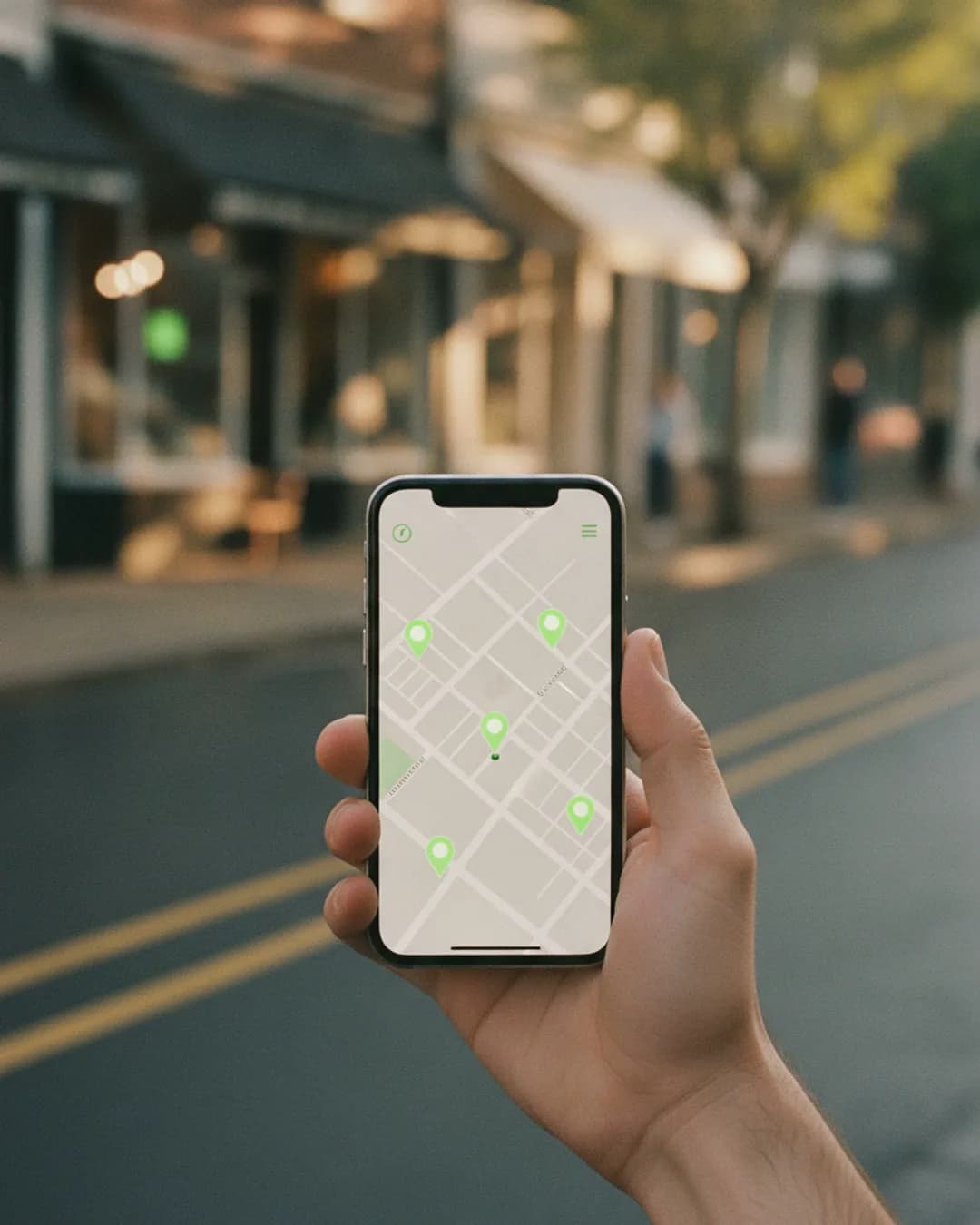
Opening hours and special hours
Regular hours, holiday hours and temporary changes are checked too. You get a heads-up if your Sunday suddenly shows as closed or your Friday hours shift by an hour.

Primary category
Your main category decides which searches you show up for. If it changes from Italian restaurant to pizza delivery, your visibility on Google Maps can change with it, so the category is watched as well.
Status: open, marked closed or changed
The worst surprise is a profile showing as permanently or temporarily closed. Brand Dad alerts you right away when the status of your profile changes, so you can react at Google immediately.

Alerts in the app and by email
You do not have to log in to find out. Every change triggers a notification in Brand Dad and an email with a before/after view, plus a direct link to fix it in your Google Business Profile.
Part of your profile audit
Protection works alongside the Google Business Profile audit, reviews and the Maps rank tracker. One place shows whether your profile is complete, correct and visible.
Is your profile correct right now?
Run the free profile check and see your score, missing details and quick fixes in under a minute. It is a good starting point before you switch on daily protection.
Opens your free trial with this input. No credit card.
How to protect your Google Business Profile
Your Google Business Profile is not fully yours. Google collects information from many sources: your own edits, suggestions from users, data from other websites and its own systems. Most of the time this works fine. But every local business owner who has been around for a while has a story: the dentist whose phone number was swapped for an old fax line, the restaurant suddenly shown as permanently closed, the hair salon whose category changed overnight.
To protect your Google Business Profile, you need two things. First, a clean, verified profile where you are the owner and your details are complete. Second, someone who looks at the profile regularly. That second part is where most businesses fail, because nobody checks their own listing when things seem fine.
Brand Dad takes over the looking. Once your profile is connected, it saves the current name, address, phone number, opening hours, primary category and status as your reference. Every day it compares the live profile with that reference. If something differs, you get an alert in the app and by email, showing the old and the new value side by side.
To be clear about what this is and is not: Brand Dad does not lock your profile, and nobody outside Google can stop Google from applying changes. What it does is shorten the time between a change and your reaction from weeks to hours. You then correct the detail in your Google Business Profile, or mark the change as intended if you made it yourself, for example new winter hours. Combined with a monthly look at your profile audit, that is the most practical protection a small business can have.
Google profile suspended or marked closed? What to do
When Brand Dad reports a status change, stay calm and work through it in order. First, open your Google Business Profile and check what Google shows: a temporary or permanent closure, a suspension notice, or a request to verify again.
If the profile was marked closed by mistake, you can usually reopen it directly in the profile settings. Check afterwards that your hours are still correct.
If the profile is suspended, Google typically sees a conflict with its guidelines, for example a business name stuffed with keywords, a virtual office address or a duplicate listing. Fix the cause first, then submit a reinstatement request through Google's support form, with proof such as a business registration, a utility bill or photos of your storefront and signage.
If you are asked to verify again, follow Google's verification steps. Video verification is common now; film your signage, the entrance and something that proves you operate there.
Brand Dad cannot file appeals for you, but it helps in two ways: you find out early, and your saved reference shows exactly what your profile looked like before the change.
Let Brand Dad keep an eye on your listing every day
Start free, no credit card14 days free · no credit cardFrequently asked questions
How can I protect my Google Business Profile?
Claim and verify the profile, make sure you are the primary owner, limit managers to people you trust and keep every detail complete. Then monitor it. Brand Dad compares name, address, phone, hours, category and status every day and alerts you by app and email as soon as something changes.
Why did my Google Business Profile change without my permission?
Google accepts information from several sources, including suggested edits from users, data from other websites and its own systems. Sometimes these updates are applied without asking the owner. Competitors can also suggest edits. That is why regular checks matter, even when you never touched the profile yourself.
Can Brand Dad stop Google from changing my profile?
No tool outside Google can block changes to your listing. Brand Dad detects them quickly, usually within a day, shows you the old and new value, and links you straight to your Google Business Profile so you can correct it. If you made the change yourself, you mark it as intended.
What should I do if my Google Business Profile is suspended?
Find out the likely reason first, for example a keyword-stuffed name, an address that is not a real storefront or a duplicate listing. Fix it, then submit Google's reinstatement request with proof like a business registration or photos of your signage. Brand Dad alerts you when the status changes but cannot appeal for you.
How often does Brand Dad check my profile?
Once per day. Brand Dad compares the live data from your connected Google Business Profile with your saved reference version. If anything differs, you get an in-app notification and an email with a before and after view, so you do not have to remember to log in.
How much does profile protection cost?
Profile protection is part of Brand Dad's Google profile tools. It is included in the Local module at €16 per month billed yearly, or €19 billed monthly, plus VAT, for one location. Brand Dad has a 14-day free trial without a credit card, and monthly billing can be cancelled at any time.
Does it work for several locations?
Yes. Each connected location is monitored separately with its own reference data and alerts. Each additional location costs €24 per month billed yearly, and the Agency plan includes up to 10 client locations for agencies and want to catch problems before their clients do.
Related features
Google Business Profile audit
Audit your Google Business Profile: score 0–100, competitor comparison and a clear action plan. From €16/mo. Try 14 days free, no credit card.
Learn moreReview management software
Review management software: all Google reviews in one place, AI reply drafts in your voice, you approve. From €16/mo. 14-day free trial, no card.
Learn moreLocal SEO software
Local SEO software that tracks your Google Maps rank, audits your profile and answers reviews. From €16/mo. Try 14 days free, no credit card.
Learn more
Know first when your Google profile changes
Connect your Google Business Profile and Brand Dad starts watching it today.