

Social media planner that fills itself
Most planners give you an empty grid. Brand Dad fills the calendar for you with a full month of post ideas, drafts each one with AI and schedules it across your channels. You just look it over.
- A month of posts planned from your brand profile
- Every channel in one calendar, including Google
- Approve with one tap or let posts go out on schedule



Brand Dad's social media planner is a content calendar for local businesses that fills itself: it generates a monthly plan from your brand profile, drafts each post with AI and schedules it for Instagram, Facebook, TikTok, YouTube and your Google Business Profile. The Social module costs €16/mo billed yearly (€19 monthly) for 1 post per week; the Website plan includes 2 posts per week and Business unlimited posts plus video.
Why a planner beats posting on the fly
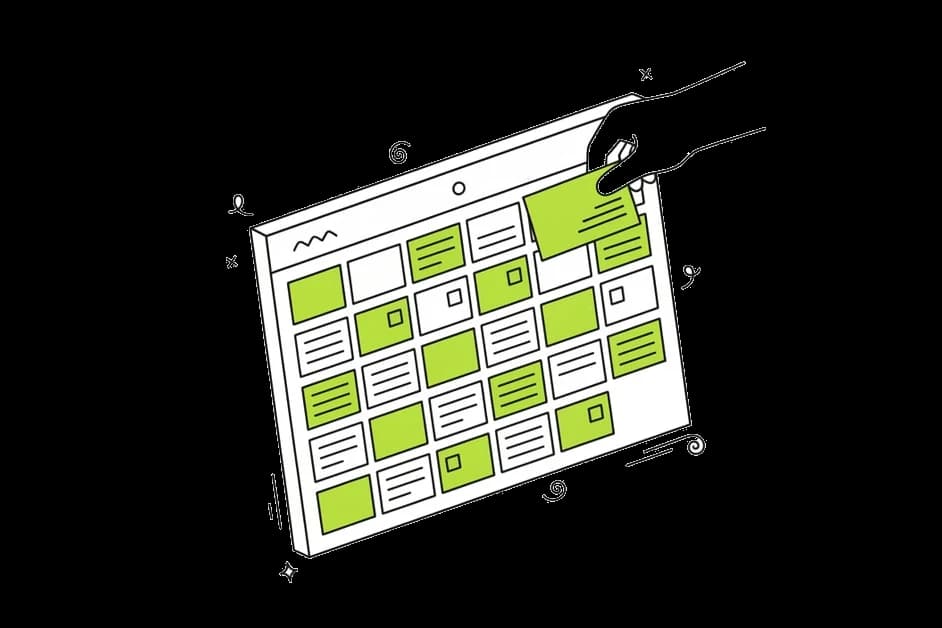

No more 'what do I post today?'
When the month is planned ahead, posting is no longer a daily decision. You see what goes out when and can fit in spontaneous moments on top.


A steady rhythm customers notice
Regular posts keep you in people's feeds and on their minds. The planner spreads posts evenly, so you never go silent for three weeks and then post five times in one day.
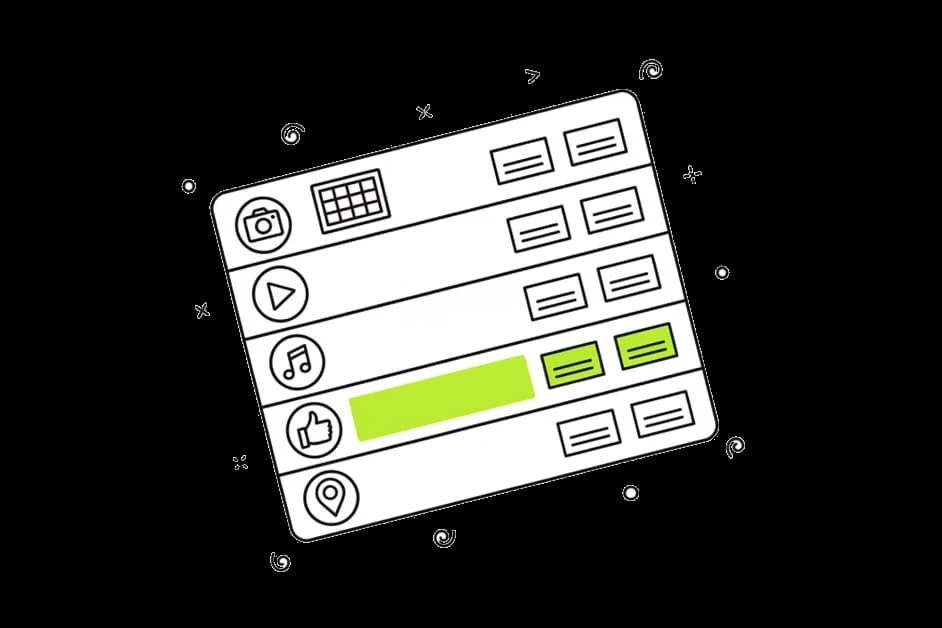
Every channel at a glance
Instagram, Facebook, TikTok, YouTube and Google posts sit side by side in one calendar. You see gaps and overlaps immediately instead of guessing.
How the Brand Dad social media planner works
A monthly plan generated for you
Brand Dad reads your brand profile: what you sell, your opening hours, your tone of voice and your offers. From that it suggests a month of post ideas with dates and channels, for example a Tuesday lunch special, a behind-the-scenes clip on Thursday and a weekend reminder on Friday.
Your whole month at a glance
The calendar shows every planned post across all channels, so you see the big picture before anything goes out. Each post card shows its channel, time and status, so you can tell at a glance what is ready and what still needs work.

Drafts written and designed by AI
Every planned post comes with a caption, and an image or short video when the channel needs one. The AI uses your colors, fonts and tone of voice. Change anything by typing what you want, or edit the text yourself.

Approval that fits your day
Review the whole month in one sitting or approve posts one by one on your phone between appointments. If you trust the plan, switch on automatic publishing and the calendar runs on its own.
Google Business Profile as a channel
Plan Google posts for news, offers and events right next to your social posts, each with an image and a button. Brand Dad suggests Google posts too, so your profile looks active to people who find you on Maps.
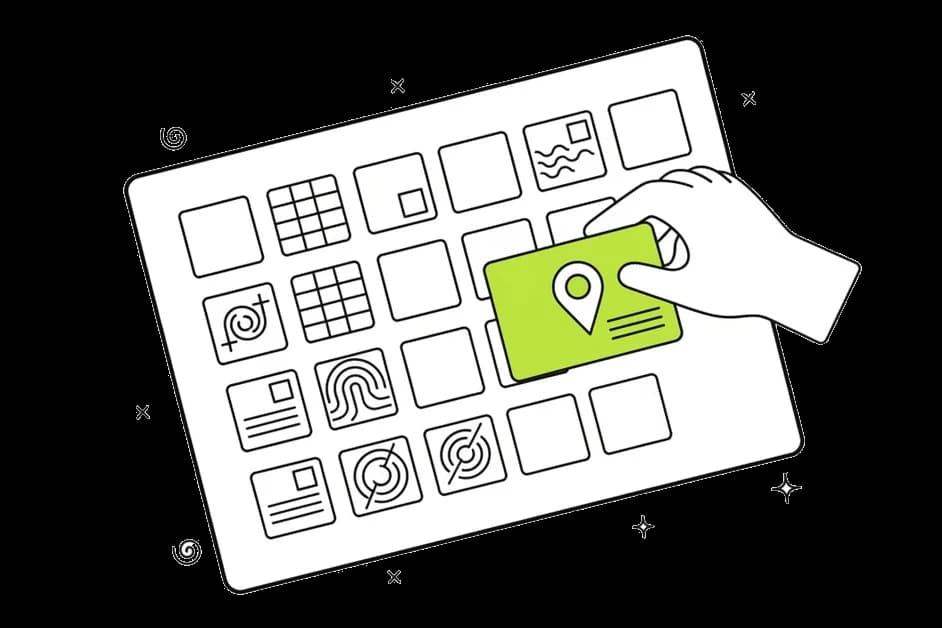
See what a planned post looks like
Describe your business and an occasion, and the free generator drafts a ready-to-use caption in seconds.
Opens your free trial with this input. No credit card.What to look for in a social media planner
A social media planner should save you time, not create another job. Many tools are built for marketing teams: they offer a calendar, approval chains and reporting, but they still expect you to come up with every idea and write every caption. For a dentist, a tax advisor or a café owner, that blank calendar is exactly the problem.
Brand Dad takes a different approach. The planner starts full. It looks at your business, your offers and the time of year, then proposes a month of posts across your channels. Each post is already drafted, so your job shifts from creating to checking. Most changes take a sentence: "move this to Friday", "mention our new opening hours", "use the photo of the team instead".
How many posts should a small business plan? There is no magic number. Two to four posts a week on your main channel is a realistic rhythm for many local businesses, plus regular Google posts. Consistency matters more than volume. A planner helps you keep that rhythm in quiet weeks and busy ones alike.
What should go into the calendar? A good mix: what you offer, who you are, what is happening this week and something useful for your customers. Think of a salon sharing a styling tip, a bakery announcing the weekend bread, a car repair shop reminding people about the tyre change season. The planner suggests ideas like these based on your brand profile, and you can add your own at any time.
Where does the time go? With a filled calendar, most of the work is a short weekly check: read the drafts, swap in a fresh photo from your shop if you have one and approve. That is the difference between posting when you remember and posting on a plan that runs even when you are fully booked.
The Social module includes 1 post per week for Instagram, Facebook and your Google Business Profile. The Website plan includes 2 posts per week, Business unlimited posts plus AI video.
Plan your next month in three steps
Fill your brand profile
Add your offers, opening hours, logo, colors and tone of voice once. Brand Dad uses them for every post.
Generate the plan
Brand Dad suggests a month of posts across your channels. Keep, edit or delete each idea.
Approve and relax
Approve the month in one go, post by post, or let the calendar publish automatically.
Brand Dad compared with other ways to plan posts
| Brand Dad | Spreadsheet or paper | Classic scheduling tool | |
|---|---|---|---|
| Suggests post ideas for your business | Yes, a full month | No | Partly |
| Writes captions and creates images | Yes, with AI | No | Partly, depends on the tool |
| Publishes automatically | Yes | No | Yes |
| Google Business Profile posts | Yes | No | Partly |
| Website, reviews and local SEO in the same tool | Yes | No | No |
as of 2026-10 · based on public information, may change
You stay in control
- Social media posts: Autopilot plans the month and writes drafts. Only what you approve gets published – one by one or several at once.
Frequently asked questions
What is a social media planner?
A social media planner is a calendar for your posts: you see what goes out on which channel and when, and posts are published automatically at the planned time. Brand Dad goes a step further and fills the calendar for you with a monthly plan and AI-drafted posts based on your brand profile.
Is there a free social media planner?
Brand Dad's planner is part of the Social module and the packages. Social posting is not part of the 14-day free trial, which covers 1 website, 25 AI credits and 1 Local SEO analysis without a credit card. For quick single posts there is also a free AI social post generator that needs no account.
Which plan includes the social media planner?
The Social module includes the planner at €16 per month billed yearly or €19 monthly, with 1 post per week for Instagram, Facebook and your Google Business Profile. The Website plan (€29) includes 2 posts per week, and Business (€59) unlimited posts plus AI video. Monthly billing can be cancelled any time.
Can I plan posts for Instagram, Facebook and TikTok in one place?
Yes. The planner covers Instagram, Facebook, TikTok, YouTube and your Google Business Profile in one calendar. You choose which channels to connect, and each post can be adjusted per channel, for example a longer caption on Facebook and a short video on TikTok.
How far ahead can I plan my social media posts?
Brand Dad generates a plan for a month at a time, which suits most small businesses: far enough ahead to stay relaxed, close enough to react to what is happening. You can add or move posts at any time, for example when a new offer or a spontaneous event comes up.
Do I have to approve every post?
No, but you can. Approve each post with one tap, review the whole month in one go, or switch on automatic publishing so the calendar runs on its own. You can change this setting whenever you like, for example approve everything yourself in the first weeks and later let routine posts publish on their own.
Related features
Social media
Plan, create and publish posts for Instagram, Facebook, TikTok, YouTube and Google in one place. AI writes, you approve. 14-day free trial.
Learn moreAI post generator
Brand Dad's AI social media post generator writes captions and creates images in your brand voice, then publishes them. Try 14 days free, no card.
Learn moreGoogle posts scheduler
Schedule Google Business posts weeks ahead: news, offers and events with image and button, written by AI. Try Brand Dad 14 days free, no credit card.
Learn more
Let Brand Dad fill your social media calendar
Tell us about your business and what is coming up this month. You get a planned calendar with ready-to-approve posts.