

Local SEO reports that send themselves
Every month, on its own. Brand Dad turns your Google Maps rankings, profile insights and reviews into a clear report as PDF, share link or email. Agencies send it to clients under their own brand.
- Maps grid trend, profile insights, reviews and next steps in one report
- PDF download, share link and automatic monthly email
- White-label reports with your agency logo on the Agency plan

A local SEO report shows how visible a business is on Google Maps and its Google Business Profile over time. Brand Dad creates it automatically as a PDF and share link and emails it every month, with the Maps grid trend, profile insights, reviews and next steps; agencies can white-label it on the Agency plan (€149/mo billed yearly, €179 monthly). Modules start at €16/mo with a 14-day free trial, no credit card.
A report people actually read

Progress you can see
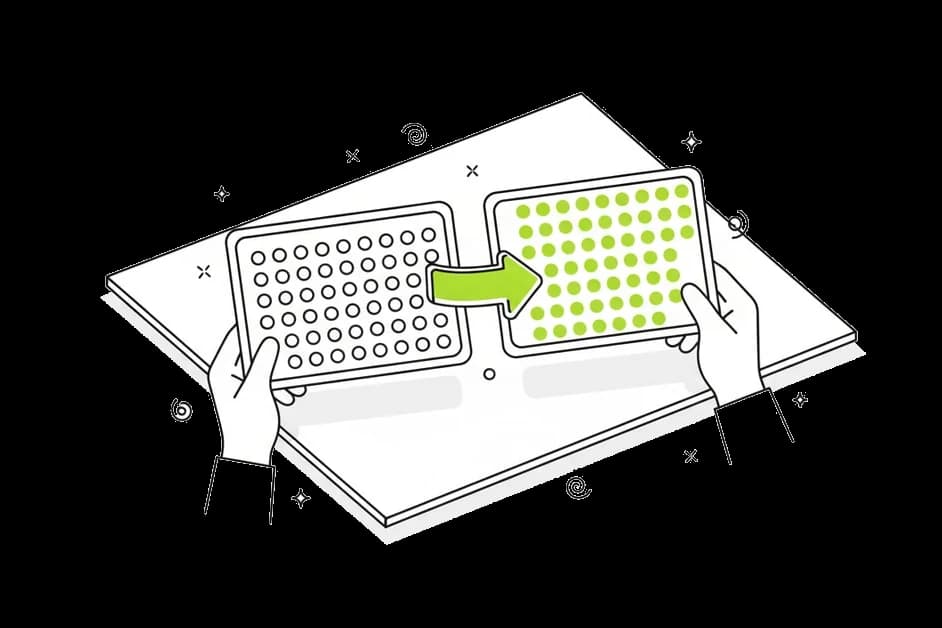
Maps grids from last month and this month side by side. Green pins where you rank in the top 3, red where you are hard to find. No spreadsheet needed to understand it.


Next steps, not just numbers
Every report ends with a short list of what to do next, taken from your profile audit and action plan. You know what to work on before the next report arrives.

Zero assembly time
No screenshots, no copying numbers into slides. The report builds itself from your scans and lands in the inbox on a fixed day each month.
What goes into your local SEO report
Google Maps grid trend
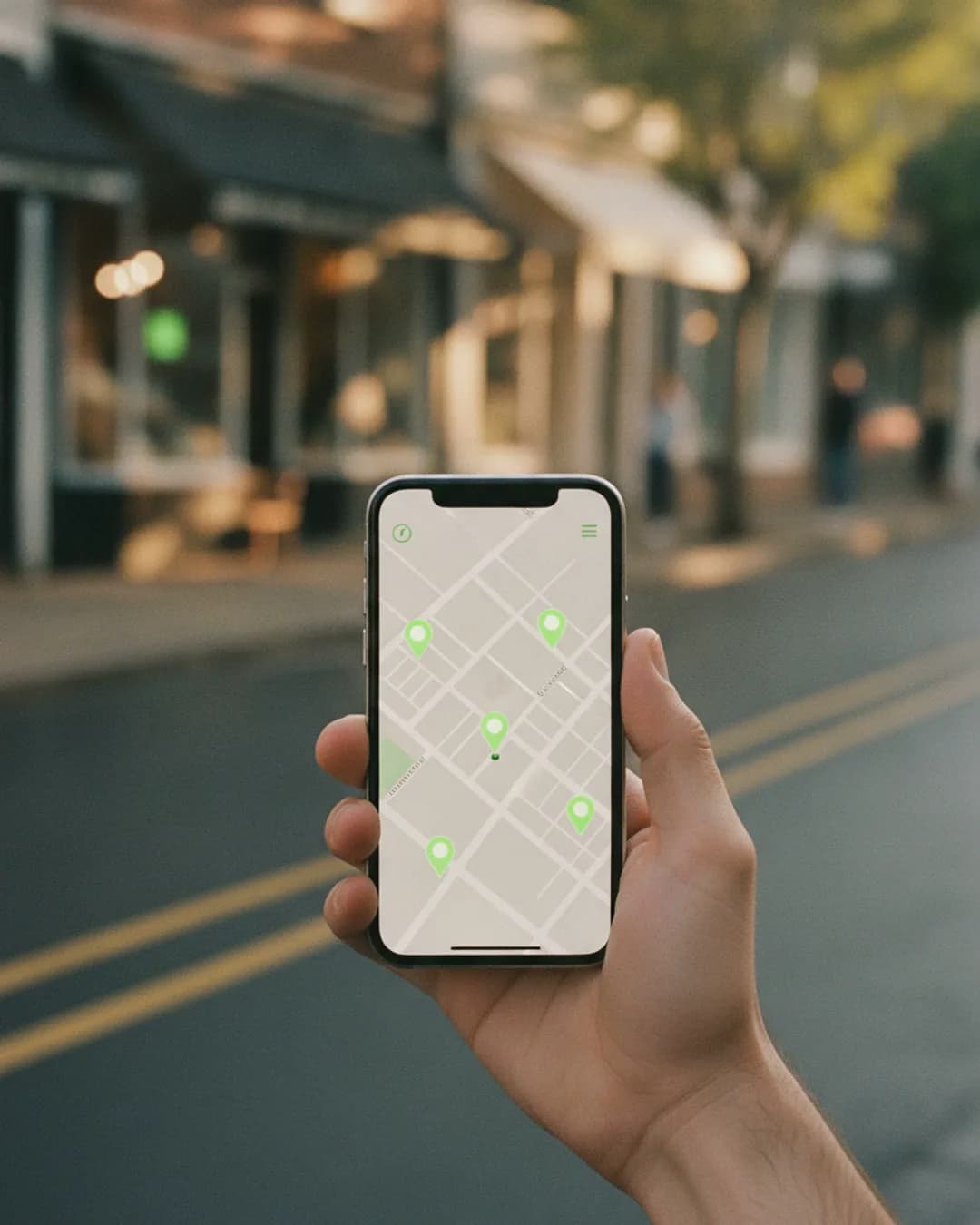
Your ranking map for each tracked keyword, compared with the previous period. You see whether you are visible across the whole neighborhood or only near your front door, and how that changed.
Key ranking metrics explained
Average rank position (ARP), average total rank (ATRP, where not found counts as 21), share of local voice (SoLV, the share of grid points where you are in the top 3) and how often you were found at all. Each metric comes with one plain-language sentence.

Google Business Profile insights
Once your profile is connected, the report includes views, calls, website clicks, direction requests and the search terms people used to find you. That links rankings to real customer actions.

Reviews at a glance
New reviews, average rating trend and reply rate for the period. If several people praised the same thing or complained about the same thing, the AI themes show it.
PDF, share link and monthly email
Download the report as a PDF, send a share link that opens in any browser, or let Brand Dad email it automatically every month to you, a business partner or a client.

White-label for agencies
On the Agency plan, reports carry your agency's logo and colors instead of Brand Dad's. Your clients get a professional monthly update, and you spend your time on the work instead of the formatting.

See the first page of your report for free
Enter your business and a keyword. The free rank checker shows where you appear on Google Maps across your area, the same grid that powers the monthly report.
Opens your free trial with this input. No credit card.What a good local SEO report should answer
A local SEO report is only useful if the person reading it can answer three questions after two minutes: Are more people finding us? Why? What do we do next? Many reports fail at all three. They list dozens of keywords with positions that jump around, show a traffic chart without context and end without a recommendation.
Brand Dad builds the report around those three questions. The first part shows visibility on Google Maps as a grid: a map of your area with a pin for every measuring point and your rank at that spot. This matters because local rankings depend on where the searcher stands. A plumber can be number 1 two streets away and invisible three kilometers further. Comparing this month's grid with last month's grid makes progress visible at a glance, for example more green pins in the north of town after you added a service area.
The second part explains why. Profile insights show whether more people called or asked for directions, reviews show whether your reputation grew, and the audit score shows whether your profile got more complete.
The third part is the action list. It pulls the open items from your action plan, such as adding special holiday hours, replying to three unanswered reviews or uploading new photos. That turns the report from a status update into a to-do list.
For business owners, the report replaces the question you would otherwise ask an agency each month. For agencies, it replaces hours of screenshots and slide building per client. In both cases the numbers come directly from your scans, nothing is typed in by hand.
Local SEO reporting compared
| Brand Dad | Manual report (screenshots and spreadsheet) | Separate reporting tool | |
|---|---|---|---|
| Maps grid trend built in | Yes | No | Depends on the data source |
| Profile insights and reviews in the same report | Yes | Only with manual work | Partly |
| Next steps from your action plan | Yes | Written by hand | Usually no |
| Automatic monthly email | Yes | No | Yes |
| White-label for agencies | Yes, Agency plan | Yes, with design effort | Often yes |
| Same tool as the rank tracker and profile audit | Yes | No | No |
as of 2026-10 · based on public information, may change
Your first report in three steps
Set up your keywords and grid
Pick the searches that matter, for example 'pizza near me' or 'tax advisor Denver', and choose grid size and radius. Brand Dad suggests keywords with search volume.
Connect your Google Business Profile
This adds insights and reviews to the report. Without a connection, the report still shows your Maps rankings and audit.
Choose recipients and day
Add the email addresses, pick the day of the month and, on the Agency plan, your logo. From then on the report arrives by itself.
Frequently asked questions
What should a local SEO report include?
A useful local SEO report shows visibility on Google Maps across your area, key metrics like average rank and share of local voice, Google Business Profile insights such as calls and direction requests, review development and a short list of next steps. Brand Dad includes all of these automatically, compared with the previous period.
Can I white-label local SEO reports for my clients?
Yes, on the Agency plan at €149 per month billed yearly, or €179 billed monthly. It includes up to 10 client locations, and each further location costs €12 (€15 monthly). Reports then show your agency logo and colors instead of Brand Dad branding. You can send them as PDF, share link or automatic monthly email to each client.
How often are reports sent?
You choose. Most users send one automatic report per month, on a fixed day. You can also create a report at any time, for example before a client meeting, and download it as a PDF or share it as a link. The report uses the most recent scans in your account.
Where does the ranking data come from?
From the Google Maps grid scans you set up in Brand Dad. Each scan checks your position at every point of the grid for your chosen keywords, weekly or monthly. Profile insights come from your connected Google Business Profile, reviews from Google reviews. Nothing in the report is typed in by hand.
Do I need to connect my Google Business Profile for reports?
Not for the ranking part. Maps grid scans and metrics work with just your business name and location. To include insights like calls, website clicks and search terms, and to show reviews with reply rate, you connect your Google Business Profile with the Google account that manages it.
How much does a local SEO reporting tool cost with Brand Dad?
Brand Dad starts with the Local module at €16 per month billed yearly, or €19 monthly, for one location with weekly ranking maps, Google Business Profile management and reviews. White-label reports for agencies are part of the Agency plan from €149 per month. The 14-day free trial needs no credit card, and monthly billing can be cancelled any time.
Can a local SEO report be shared with people who have no account?
Yes. Every report has a share link that opens in a normal browser, without login. That is handy for a business partner, a franchise owner or a client who only wants the overview. You can also attach the PDF to your own email.
Related features
Google Maps rank tracker
Track your Google Maps rank on a grid around your business, compare competitors and see trends. From €16/mo. 14-day free trial, no credit card.
Learn moreFor marketing and local SEO agencies
Run local SEO, reviews, websites and social for all your clients in one tool. White-label reports, team access. Try the Agency plan 14 days free.
Learn moreGoogle Business Profile audit
Audit your Google Business Profile: score 0–100, competitor comparison and a clear action plan. From €16/mo. Try 14 days free, no credit card.
Learn more
Get your first local SEO report this week
Tell us your business and the searches that matter. Brand Dad scans, compares and writes the report.