

Review management software for Google
Answer every Google review in minutes, in your own voice. Brand Dad gathers your reviews, drafts thoughtful replies with AI and lets you post them with one click, after you have checked them.
- All Google reviews, rating trend and reply rate in one place
- AI reply suggestions in your brand voice, templates per star rating
- You approve every reply, nothing is posted automatically
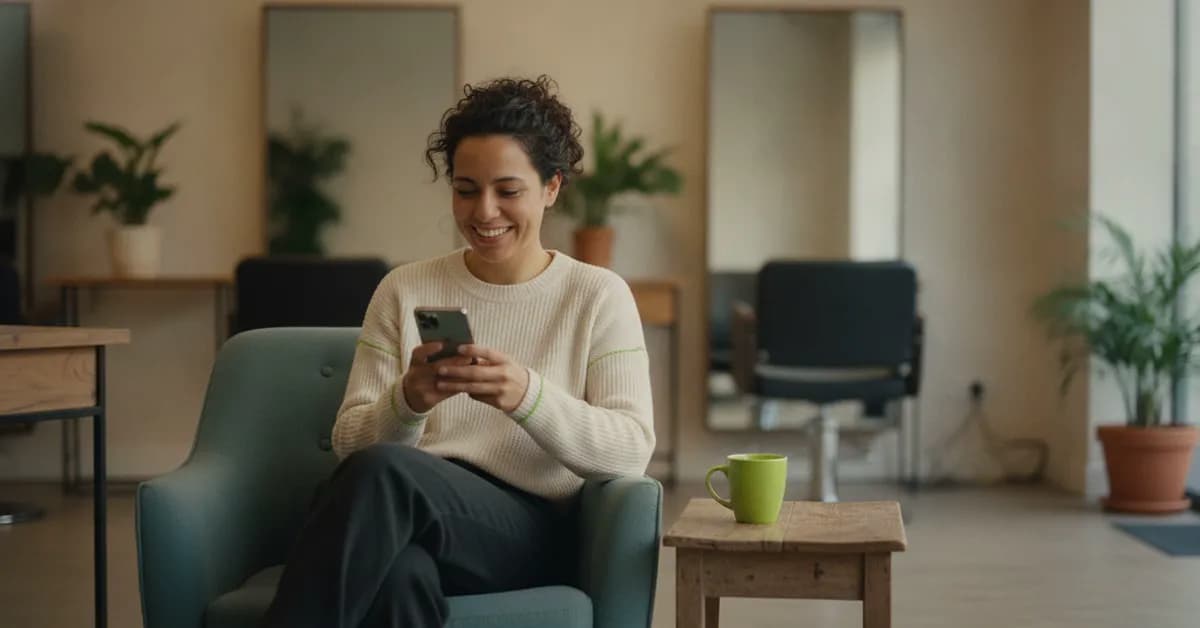
Brand Dad is review management software for local businesses that collects all your Google reviews in one inbox, shows rating trend, reply rate and the themes customers praise or criticise, and drafts AI replies in your brand voice that you approve before posting. A review QR poster helps you collect new reviews. It is included in the Local module at €16 per month billed yearly or €19 billed monthly, with a 14-day free trial without credit card.
Reviews are your shop window on Google


Nothing slips through
New reviews land in one inbox with a clear 'unanswered' filter. You see at a glance who is still waiting for a reply.
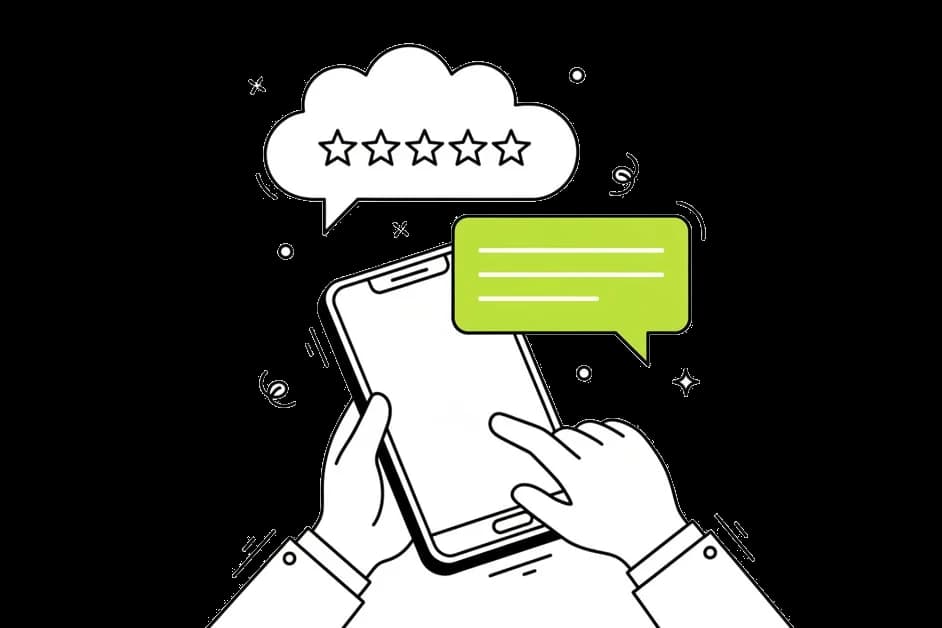
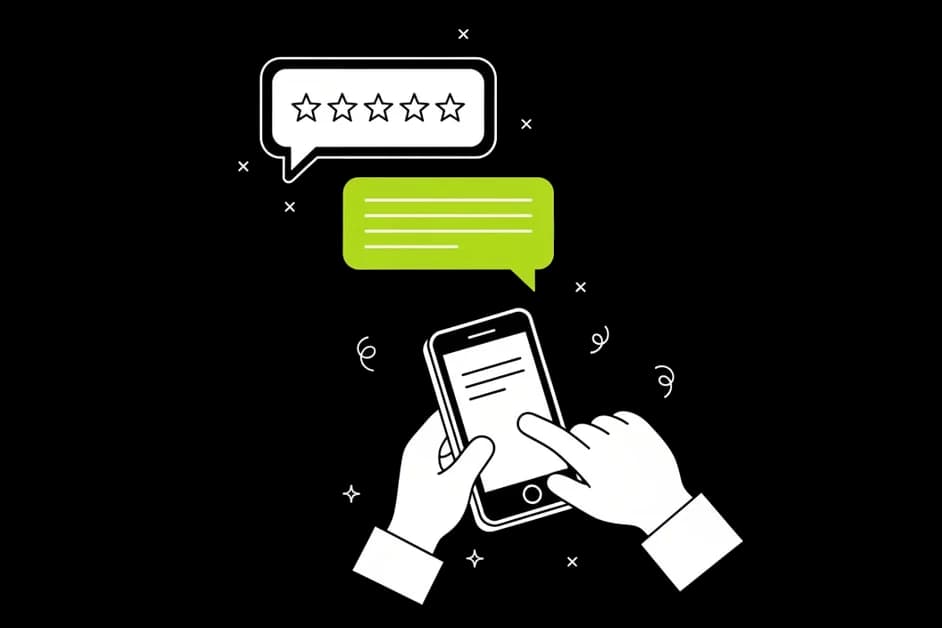
Replies that sound like you
The AI knows your brand voice from your brand profile and writes replies that fit the review, not copy-paste phrases.

Learn what customers say
AI themes sum up what people praise and criticise, like 'friendly staff' or 'long waiting time', so you know what to keep and what to fix.
Everything you need to manage Google reviews
One inbox for all Google reviews
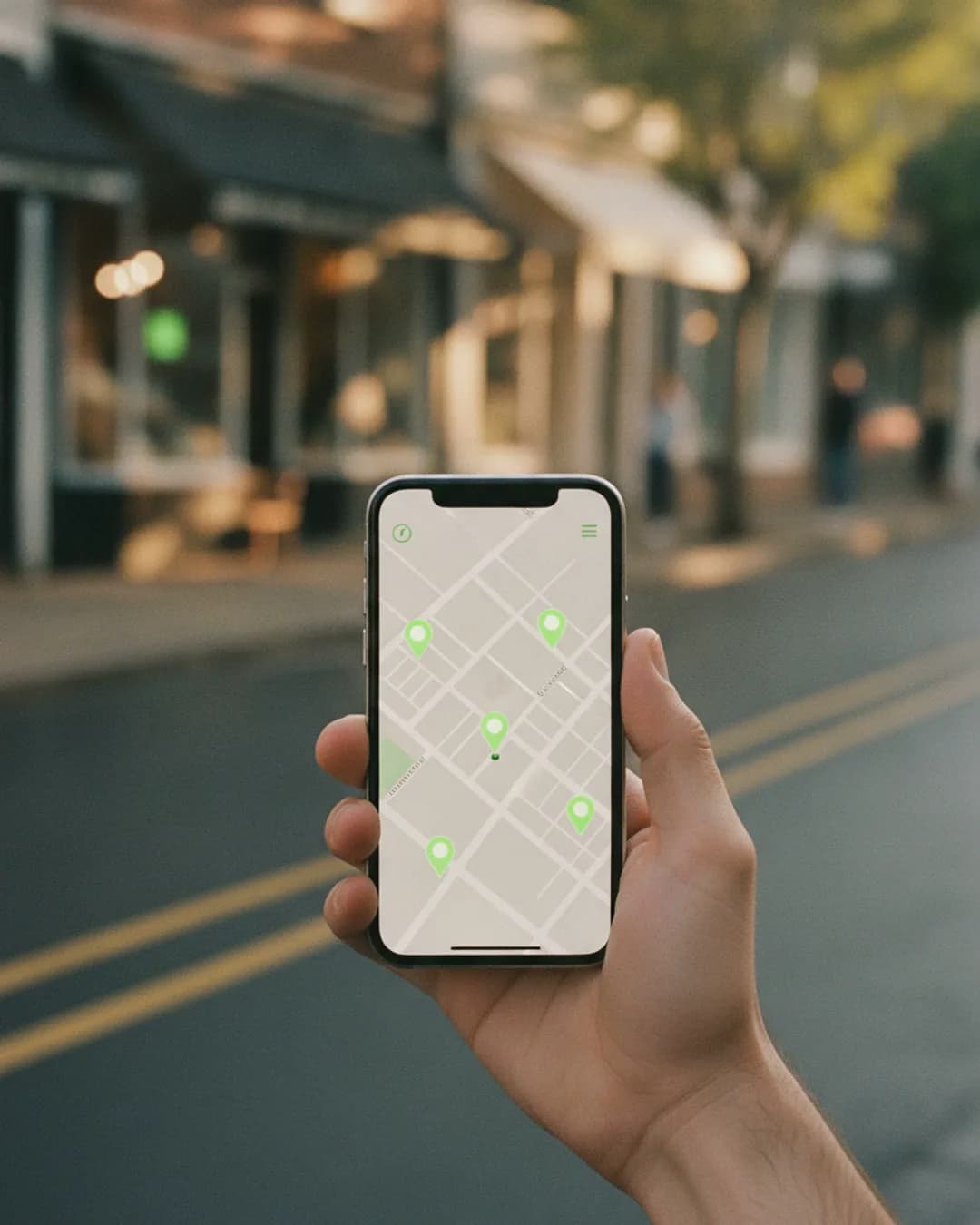
Brand Dad pulls in every review from your Google Business Profile. Filter by star rating, date or status and jump straight to the ones that need an answer. If you run more than one location, each one has its own view.
AI reply suggestions in your brand voice
For each review, Brand Dad drafts a reply that refers to what the customer actually wrote. You set templates per star rating, for example warm and short for five stars, calm and solution-focused for one or two stars. You edit if you like and post with one click.

No blind auto-posting
Every reply needs your OK. This matters most with negative reviews, where a wrong word can make things worse. Brand Dad helps you write faster, but you stay in control of what appears under your name.
Rating trend and reply rate
See how your average rating develops month by month, how many new reviews you get and what share you have answered. A dip after a busy holiday season becomes visible early, not after customers stop coming.
AI themes: praise and criticism
Brand Dad reads all your reviews and groups recurring topics. You see, for example, that customers love the coffee but mention slow service on Saturdays. That is feedback you can act on.

Review QR poster and link
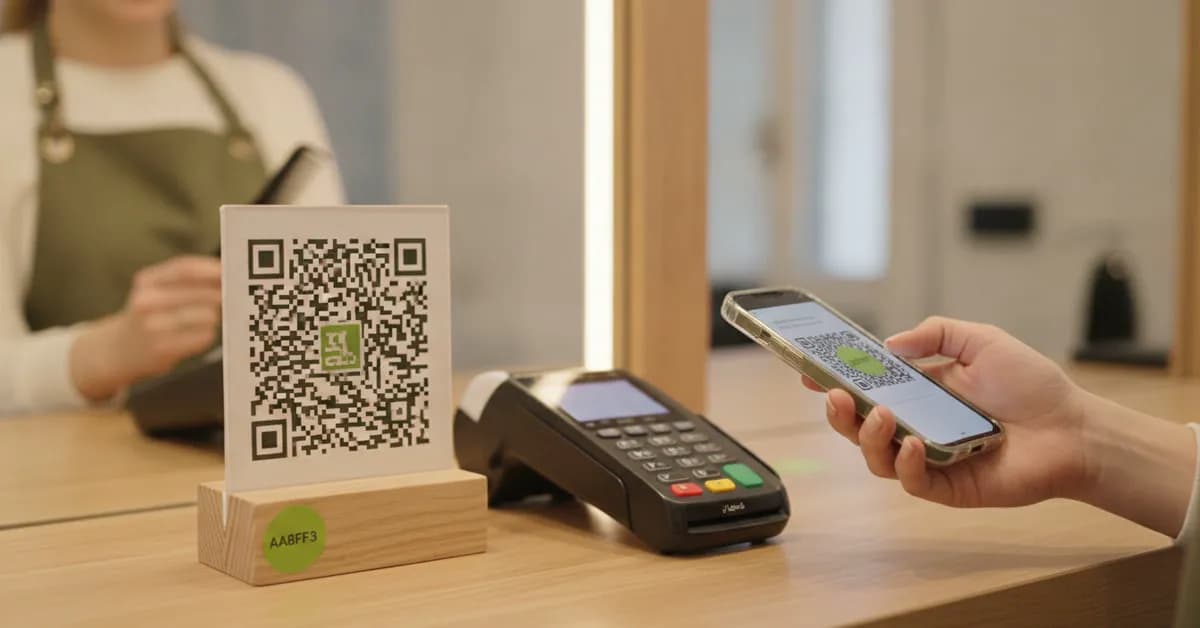
Make it easy for happy customers to leave a review. Brand Dad creates a direct review link and a printable QR poster for your counter, table or invoice.
What good review management software does for you
Almost everyone reads reviews before choosing a local business. A potential customer sees your star rating first, then a few recent reviews, and then, very often, your replies. A thoughtful reply to a critical review can convince more readers than ten five-star reviews without an answer.
The problem is time. A dentist between patients, a café owner during the morning rush or a mechanic with oil on his hands does not want to write careful replies in the evening. So reviews pile up, and an unanswered one-star review stays at the top for weeks.
Review management software fixes this in three ways. It collects reviews so you never miss one. It speeds up writing, because a good draft is ready when you open the review. And it shows patterns, like a rising number of complaints about waiting times, before they hurt your rating.
Brand Dad adds two things many tools skip. First, replies are written in your brand voice, the tone you set once in your brand profile, whether that is relaxed and friendly or formal and precise. Second, nothing is posted without you. AI can misread sarcasm or miss context, so you check, adjust and post with one click.
A quick example: a two-star review says the pasta was great but the wait for the bill took twenty minutes. The draft thanks the guest by name, picks up the compliment, apologises for the wait, mentions that you added a second person at the till on weekends and invites them back. You change one sentence, approve it, done. The whole thing takes less than a minute instead of a quarter of an hour at the end of a long day.
Reviews also influence how you rank on Google Maps. Google looks at how many reviews you have, how recent they are and whether you respond. That is why review management sits right next to the Google Maps rank tracker and profile audit in Brand Dad.
Start managing your reviews in three steps
Connect your Google profile
Sign in with Google and select your location. Brand Dad imports your existing reviews and shows what is still unanswered.
Set your tone and templates
Choose how replies should sound and set templates per star rating. Your brand profile gives the AI its voice.
Approve and post
Open a review, check the draft, adjust it if needed and post. Clearing a backlog of 20 reviews can take less than half an hour.
Brand Dad compared with other review tools
| Brand Dad | BrightLocal | Localo | |
|---|---|---|---|
| Google reviews in one inbox | Yes | Yes | Yes |
| AI reply suggestions | Yes, in your brand voice | Yes | Yes |
| Google Maps grid tracking in the same tool | Yes | Yes | Yes |
| AI website builder included | Yes (Website plan) | No | No |
| Social media publishing | Yes (Social module or Website plan) | No | Partly |
as of 2026-10 · based on public information, may change
You stay in control
- Review replies: The AI writes a suggested reply. It only goes live when you click “Publish reply” and confirm. There are no automatic replies.
- Brand Dad assistant: The assistant cannot publish posts or review replies on its own. It shows you an approval card, and you make the click.
Works with your existing website
- Google Maps & reviews – from Local: Ranking map, Google profile, profile protection and reviews run through your Google profile. You don't need a Brand Dad website for that.
- Social media – from Business: The social media planner connects your channels directly. It works without any website at all.
- SEO analysis of your domain: The site audit (from Website) checks any domain, including WordPress, Wix or Squarespace. Rank tracker, keyword research and domain check (Pro, Agency) work with your existing domain too.
- No rebuild needed: Enter your domain and connect your Google profile with Google sign-in. Your website stays where it is. SEO articles can be published straight to an existing WordPress site.
Frequently asked questions
What is review management software?
Review management software collects your online reviews in one place, helps you reply quickly and shows trends in your rating and feedback. Brand Dad focuses on Google reviews, because they matter most for local businesses. It drafts AI replies in your brand voice, groups praise and criticism into themes and lets you approve every reply before it is posted.
How much does review management software cost?
Brand Dad includes review management in the Local module at €16 per month billed yearly, or €19 billed monthly, plus VAT. The module also covers the Google Maps rank tracker, Google Business Profile management and Google posts for one location. The 14-day free trial needs no credit card, and monthly billing can be cancelled any time.
Should I respond to all Google reviews?
Yes, if you can. Replying shows future customers that you listen and shows Google that your profile is active. Short, personal thanks are enough for positive reviews. For negative ones, stay calm, thank the person, address the issue and offer to talk offline. Brand Dad's AI drafts make it realistic to answer every review.
Does Brand Dad post replies to reviews automatically?
No. Brand Dad writes suggestions, but every reply needs your approval. You can edit the text, post it with one click or skip it. We decided against blind auto-posting because AI can misunderstand irony or miss context, and a wrong reply to an upset customer can do more damage than no reply.
How do I respond to a negative Google review?
Reply within a few days, keep it short and polite and never argue in public. Thank the reviewer, acknowledge the problem without admitting things that did not happen, explain what you are doing about it and invite them to contact you directly. Brand Dad's template for one- and two-star reviews follows this structure, and you adjust the details.
How can I get more Google reviews?
Ask at the right moment, when a customer is happy, and make it easy. Brand Dad creates a direct review link and a QR poster for your counter, tables or invoices, so customers can leave a review in seconds. Do not buy reviews or offer rewards for them, as this breaks Google's rules and can get reviews removed.
Can I manage reviews for several locations?
Yes. Each additional location costs €24 per month billed yearly (€29 monthly) and gets its own review inbox, trend and themes. The Agency plan includes up to 10 client locations with team access and white-label reports. Every reply is approved by a person before it goes live.
Related features
Local SEO software
Local SEO software that tracks your Google Maps rank, audits your profile and answers reviews. From €16/mo. Try 14 days free, no credit card.
Learn moreGoogle Business Profile audit
Audit your Google Business Profile: score 0–100, competitor comparison and a clear action plan. From €16/mo. Try 14 days free, no credit card.
Learn moreBrand Dad AI
Brand Dad AI is the AI marketing assistant that knows your business, answers questions and does tasks after your OK. From €29/mo, 14-day free trial.
Learn more
Make every review count
Connect your Google profile and see your unanswered reviews with ready-to-check replies in minutes.