

Google Maps rank tracker with heatmaps
See where you rank, street by street. Your rank changes every few blocks, so Brand Dad checks your position on a grid around your business and shows it as a clear heatmap, next to your competitors.
- Grid scans from 3x3 to 9x9 points with adjustable radius
- Average rank, share of local voice and competitor heatmaps
- Weekly or monthly scans with trends and before/after views

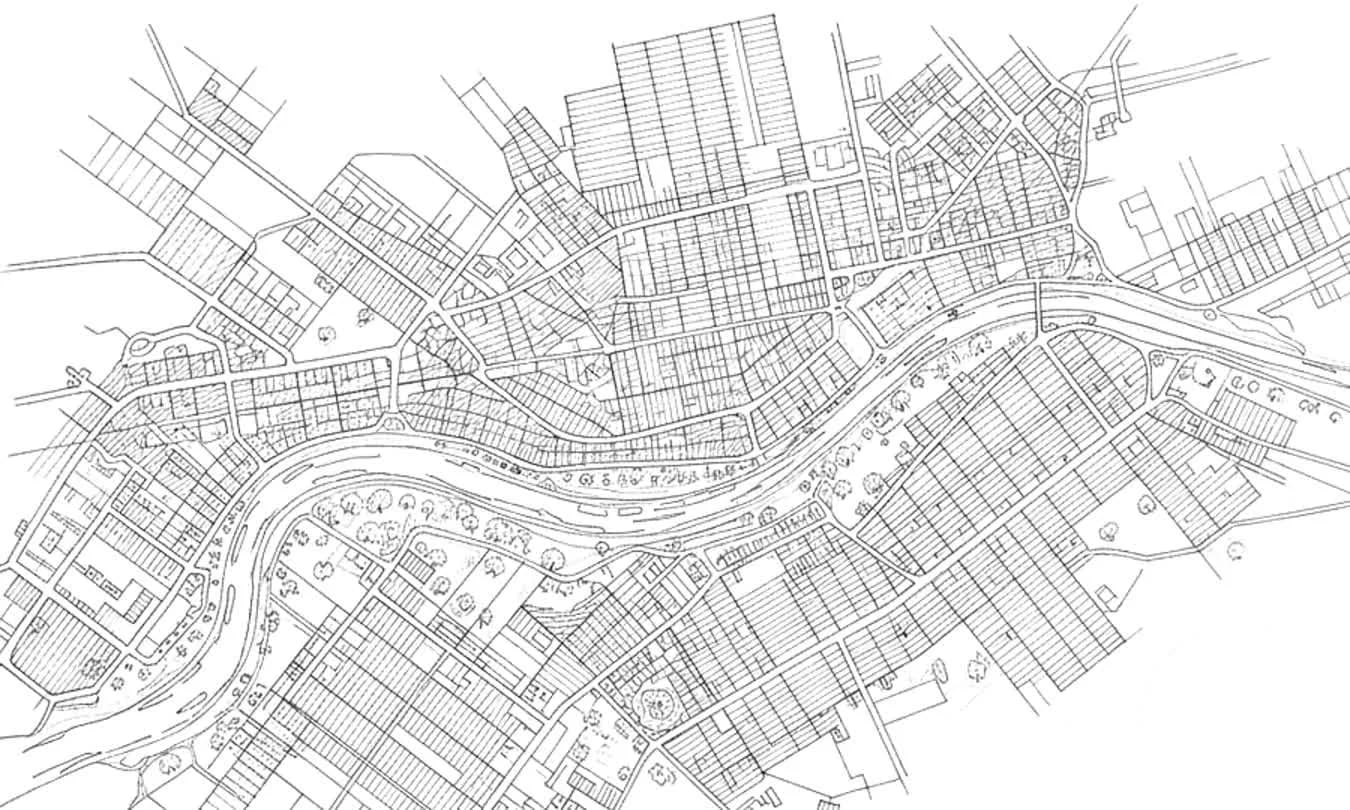

Brand Dad's Google Maps rank tracker checks where your business ranks at every point of a grid around your location, from 3x3 to 9x9 points, and shows it as a coloured heatmap with competitor rankings, average rank and share of local voice. The Local module scans a 5x5 grid weekly for up to 5 keywords; Business scans 7x7 every 3 days for up to 10. Local costs €16 per month billed yearly or €19 monthly, with a 14-day trial without credit card.
Why one rank number is not enough


Google ranks by distance
Someone searching two streets away may see you at #1, someone across town at #15. A grid shows both, so you know your real reach.


Know your competitors
See which businesses beat you in which area, with their own heatmaps. You find out who you are really competing with, not who you think.
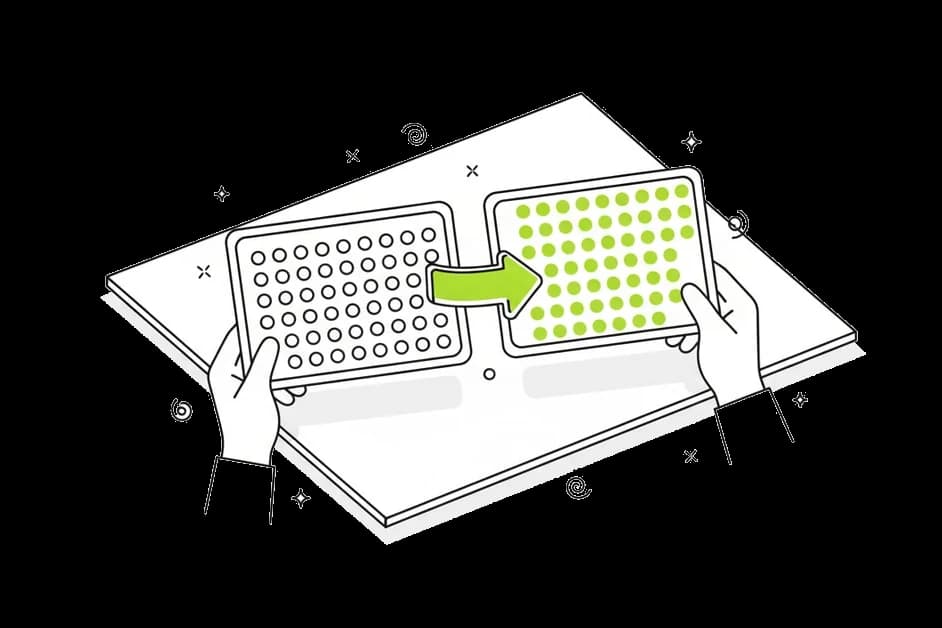
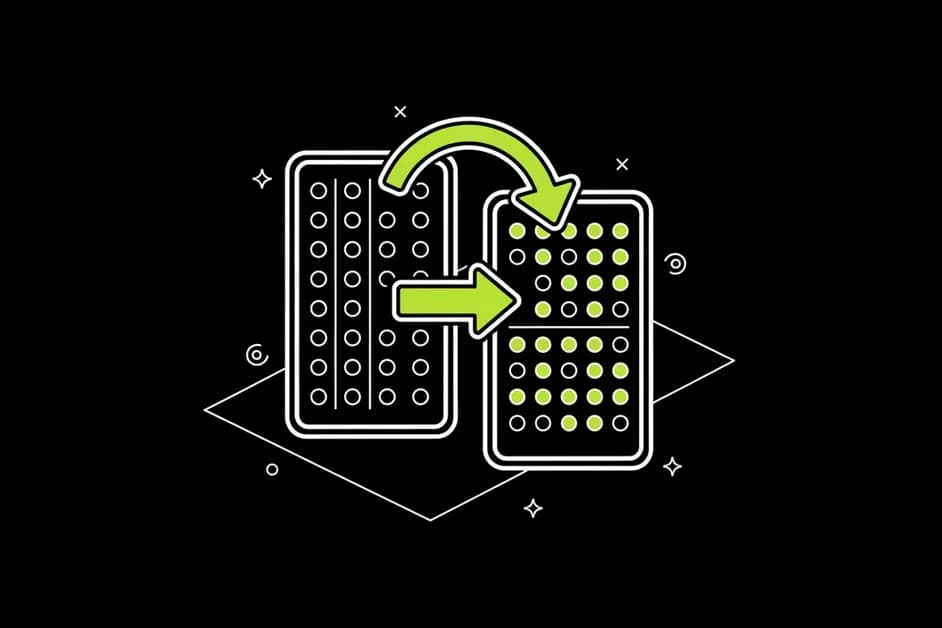
Prove what worked
Compare scans before and after a change, like new categories or more reviews. You see if the effort moved anything instead of guessing.
How the Google Maps rank tracker works
Flexible grid, free centre point
Choose a grid size from 3x3 to 9x9 points and set the radius to match your catchment area, a few hundred metres for a café or several kilometres for a roofer. Move the centre point anywhere, for example to the neighbourhood you want to win.
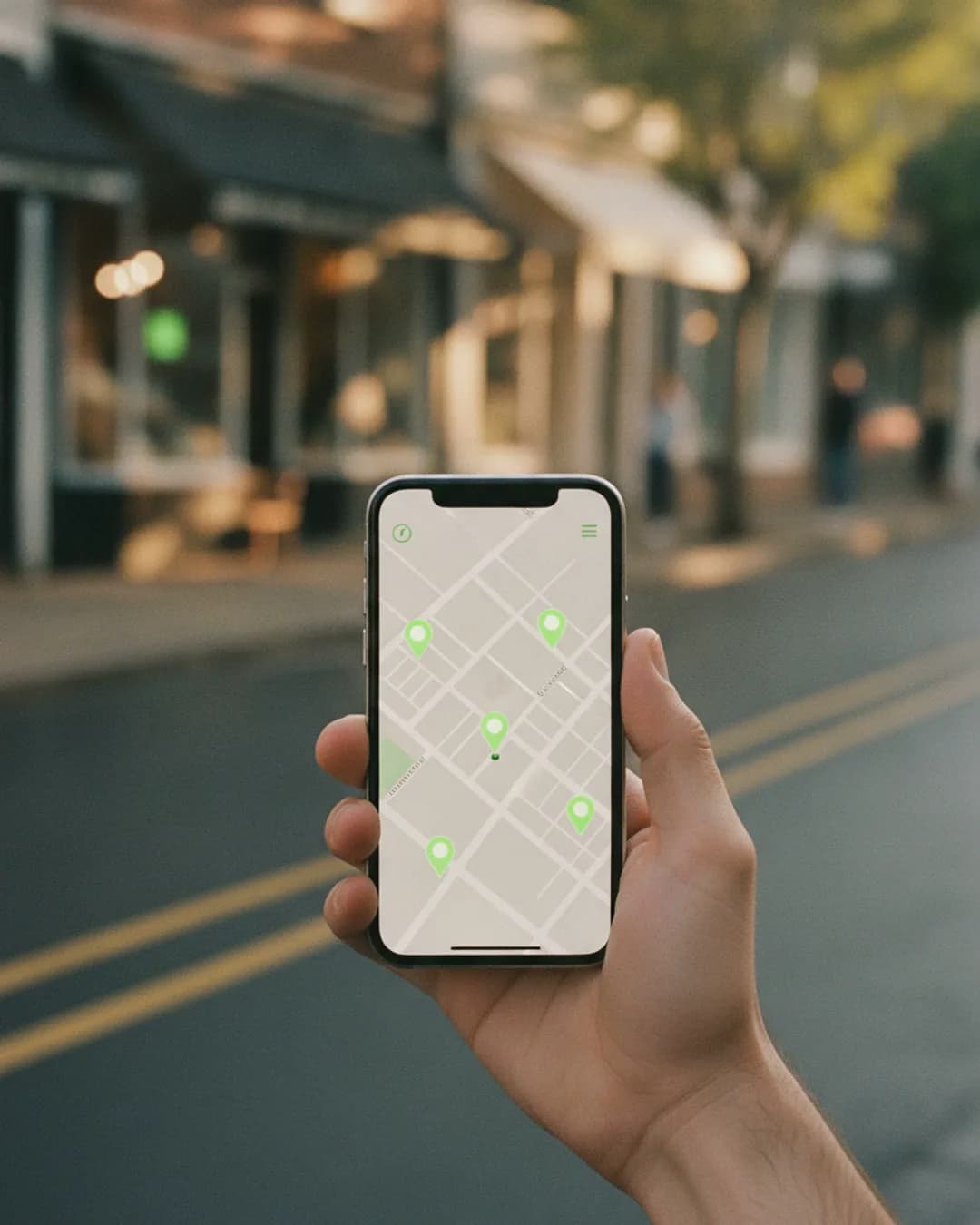
Rank at every point
Each pin shows your position in Google Maps for that exact spot. Green means top three, so you appear in the Local Pack, the three-business box with a map at the top of local search results. Red means you are far down or not found at all.

Metrics that make sense
Average rank (ARP) is your mean position where you are found. Average total rank (ATRP) counts 'not found' as 21, so gaps are not hidden. Share of local voice (SoLV) is the share of points where you are in the top three. 'Found in' shows how much of the grid you appear in at all.

Competitor ranking and heatmaps
Brand Dad lists the businesses that rank across your grid, with their average rank and share of voice. Open any competitor to see their heatmap and compare it with yours side by side.

Several keywords and smart suggestions
Track several keywords per scan, such as 'dentist', 'emergency dentist' and 'teeth whitening'. Brand Dad suggests keywords with search volume and shows the difficulty per grid point, so you focus on searches you can win.
Scheduled scans and trends
Set weekly or monthly scans and forget about them. Trend charts show how your average rank and share of local voice develop, and the before/after view puts two scans next to each other.

Run a free Google Maps rank check
Type your business name and a keyword. You get a quick rank map around your address, with no account needed. The full tracker adds competitors, history and scheduled scans.
Opens your free trial with this input. No credit card.What a Google Maps rank tracker shows you
If you search for 'pizza' on your phone in your own restaurant, you will probably see yourself at the top. That result is real, but only for that spot. Google Maps personalises local results heavily by distance. A customer three streets further may see four other places first.
A Google Maps rank tracker solves this by simulating searches from many points around you. Brand Dad places a grid of points over the map, runs the same search from each one and records your position. The result is a heatmap: green where you are in the top three, yellow in the middle, red where you are hard to find.
This tells you several useful things. You see the real radius of your visibility. You see which direction is weak, maybe because a strong competitor sits there. And you see whether a keyword is realistic, because difficulty is shown per point.
The numbers help you track progress without staring at dozens of pins. Share of local voice is the simplest one: if you are in the top three at 20 of 49 points, your SoLV is about 41 %. If that rises to 60 % after you fixed your categories and collected reviews, the work paid off.
Brand Dad does not just show the map. It connects the scan to your Google Business Profile audit, so the to-do list explains why you might be weak and what to do about it. All in plain language, for owners who have a business to run.
Brand Dad compared with other grid rank trackers
| Brand Dad | Local Falcon | Localo | BrightLocal | |
|---|---|---|---|---|
| Grid heatmap with adjustable size and radius | Yes | Yes | Yes | Yes |
| Competitor heatmaps | Yes | Yes | Partly | Yes |
| Profile audit linked to the scan | Yes | Partly | Yes | Separate tool |
| AI review replies in the same tool | Yes | No | Yes | Yes |
| Website builder and social media included | Yes (Website and Business plans) | No | No | No |
as of 2026-10 · based on public information, may change
From first scan to better rankings in three steps
Set up your scan
Enter your business, pick two or three keywords your customers really type, then choose a grid size and radius that match the area you serve. Brand Dad suggests sensible defaults for your type of business.
Read the heatmap
Look for red areas and the competitors ranking there. Open the linked profile audit to see likely reasons, such as a missing category, few recent reviews or no posts in the last month.
Fix, rescan, compare
Work through the top items of your action plan, then let the weekly scan run. The before/after view shows what moved, for example a pin going from #12 to #5 in the area you targeted.
Works with your existing website
- Google Maps & reviews – from Local: Ranking map, Google profile, profile protection and reviews run through your Google profile. You don't need a Brand Dad website for that.
- Social media – from Business: The social media planner connects your channels directly. It works without any website at all.
- SEO analysis of your domain: The site audit (from Website) checks any domain, including WordPress, Wix or Squarespace. Rank tracker, keyword research and domain check (Pro, Agency) work with your existing domain too.
- No rebuild needed: Enter your domain and connect your Google profile with Google sign-in. Your website stays where it is. SEO articles can be published straight to an existing WordPress site.
Frequently asked questions
What is a Google Maps rank tracker?
A Google Maps rank tracker measures where your business appears in Google Maps results for a keyword, from many locations around you. Because local results depend on where the searcher is, a single check is misleading. Brand Dad shows your rank at every point of a grid and turns it into a heatmap with averages, share of local voice and competitor data.
How much does a Google Maps rank tracker cost?
Brand Dad includes the Google Maps rank tracker in the Local module at €16 per month billed yearly, or €19 billed monthly, together with Google Business Profile management, review management and Google posts. The 14-day free trial includes exactly one Local SEO analysis (5x5 grid, 1 keyword), so you can see your own heatmap before paying. No credit card is needed to start.
How do I check my ranking on Google Maps?
Searching yourself only shows your rank at your current location and is affected by your search history. For a quick look, use Brand Dad's free rank checker. For a reliable picture, run a grid scan: choose a keyword, a grid size and a radius, and the tracker records your position at each point, plus the competitors ahead of you.
Which grid size should I choose?
For a café or salon in a dense city, a 5x5 or 7x7 grid with a small radius usually fits. A plumber or roofer serving a whole region should use a wider radius and, if needed, a 9x9 grid. Bigger grids give more detail but use more scan quota, so start small and adjust once you know your area.
What does share of local voice mean?
Share of local voice, or SoLV, is the percentage of grid points where your business appears in the top three Google Maps results, the positions shown in the Local Pack. If you are in the top three at half of the points, your SoLV is 50 %. It is a simple way to see how much of your area you really own.
How often should I scan my Google Maps rankings?
Weekly scans are a good default for most small businesses, because they catch changes early without creating noise. Monthly scans are enough if your market is stable. Rankings naturally move a little from day to day, so look at the trend over several weeks rather than reacting to every single scan.
Can I track my competitors on Google Maps?
Yes. Every scan lists the businesses that rank across your grid, with their average rank and share of local voice. You can open a competitor's heatmap and compare it with yours. This shows where a rival is strong and helps you decide which area or keyword to focus on next.
Related features
Local SEO software
Local SEO software that tracks your Google Maps rank, audits your profile and answers reviews. From €16/mo. Try 14 days free, no credit card.
Learn moreGoogle Business Profile audit
Audit your Google Business Profile: score 0–100, competitor comparison and a clear action plan. From €16/mo. Try 14 days free, no credit card.
Learn moreLocal SEO reports
A local SEO report that writes itself: Maps grid trend, profile insights, reviews and next steps as PDF or link, monthly by email. Try 14 days free.
Learn more
Find out where customers can and cannot see you
Set up your first grid scan in minutes. Brand Dad tracks your rank and your competitors from then on.