

See which post brings clicks
A total click count tells you little. BrandDad links your scheduled posts to your link in bio page, so you see which reel, video or carousel actually sent people to your offers.
- Clicks per link, per day and per post
- Counted without tracking cookies
- Post to click to inquiry in one view
BrandDad counts views and clicks on your link in bio page without tracking cookies, on servers in Germany. Posts you schedule with BrandDad get their own tracked link automatically, so the dashboard shows which post brought clicks and inquiries. Post attribution is included from the Founder plan at €10 a month plus VAT.
Numbers that help you decide
Know what to post next
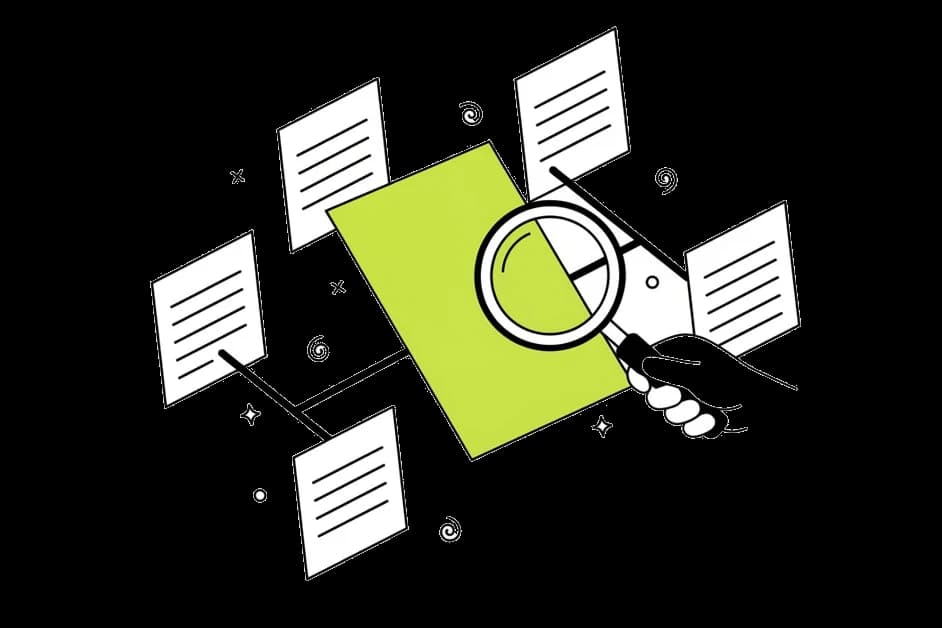
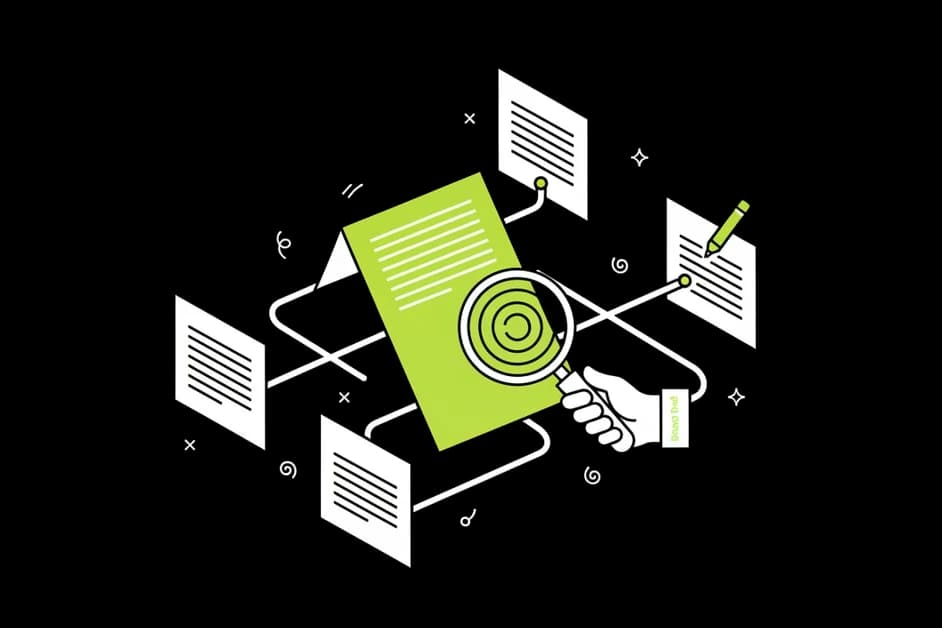
When you see that your tutorial reels bring three times the clicks of your vlogs, you know what to make more of. No more posting into the void.
Proof for brand deals
Brands want to know what a post delivers. With clicks per post and per link you have concrete numbers from your own page to show in a pitch.


Privacy-friendly by design
BrandDad counts on its own servers in Germany without tracking cookies or visitor profiles. Your visitors do not need to click through a statistics banner.
What the dashboard shows you
Clicks per link
See which links get used and which nobody touches. Sort by clicks, compare periods and move the strongest link to the top of your page.
Post attribution
Every post you schedule with BrandDad gets its own tracked link to your page automatically. The dashboard then lists posts with their clicks and inquiries, for example: reel from 12 October, 140 clicks, 3 inquiries (example data).
From click to inquiry
Contact form messages and new email subscribers are counted as goals. So you see not only who clicked, but which post led to a real inquiry or signup.
QR codes and short links
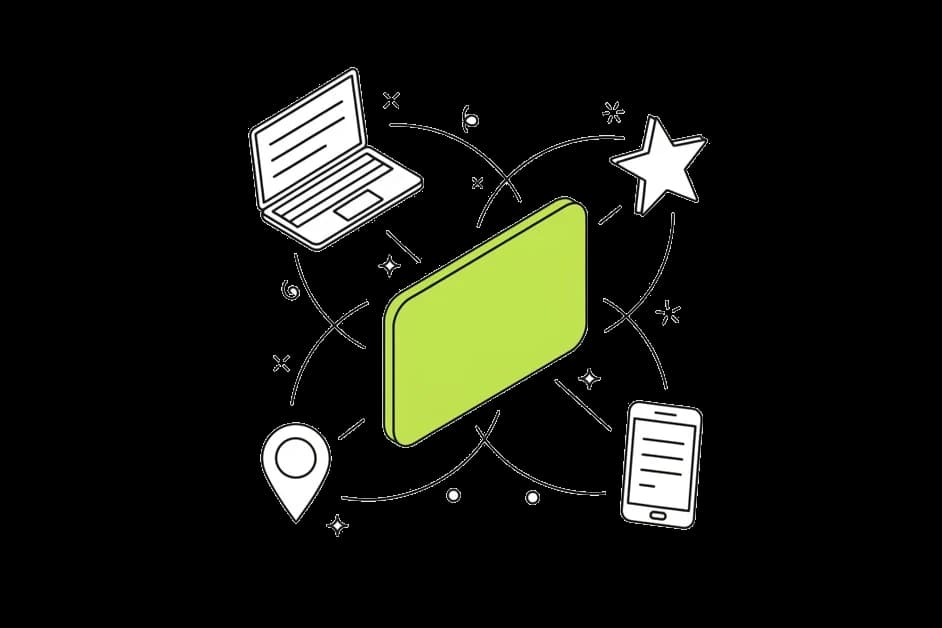
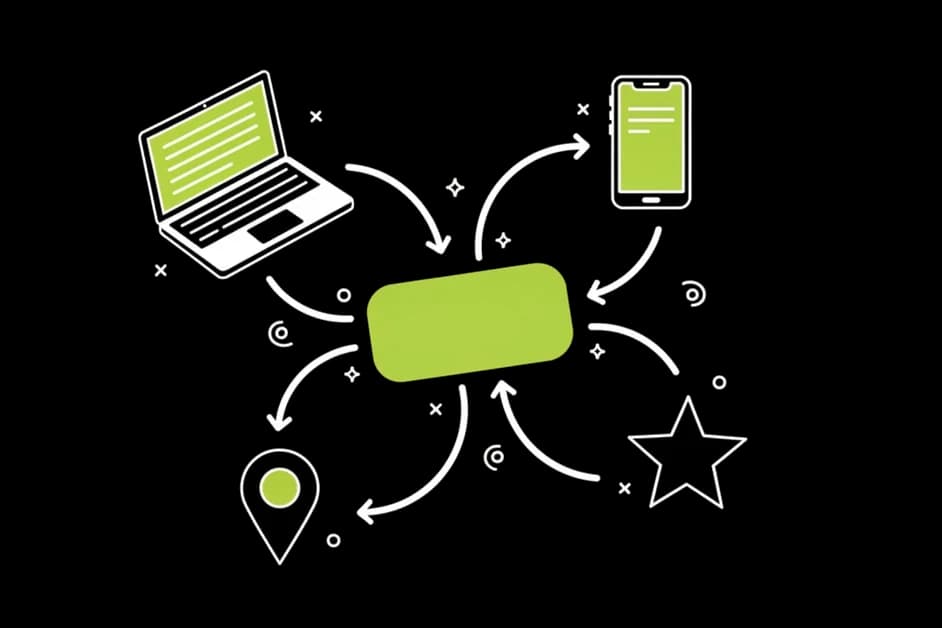
Short links and your page QR code are counted separately. A flyer at a concert or a code on your packaging shows up in the same dashboard as your posts.
History that fits your plan
Free keeps 30 days of statistics, Founder and Creator 12 months, Pro 24 months. You can export your data whenever you want.
How post attribution works
Schedule your post
Write or generate your post in the BrandDad scheduler and pick the channels. You do not have to build tracking links yourself.
BrandDad adds the link
Each post gets its own link to your link in bio page with a small tag. Visitors land on your normal page, nothing looks different.
Read the result
Clicks and inquiries are assigned to the post that brought them. You see the result per post, per channel and per week.
What each plan includes
| Free | Founder / Creator | Pro | |
|---|---|---|---|
| Clicks per link | Yes | Yes | Yes |
| Statistics without tracking cookies | Yes | Yes | Yes |
| Post attribution | No | Yes | Yes |
| History | 30 days | 12 months | 24 months |
| Data export | Yes | Yes | Yes |
Founder costs €10 a month plus VAT for the first 100 customers, Creator €19, Pro €29, each plus VAT.
Why most link in bio stats fall short
A link in bio page sits between your posts and your goals. People see a post, tap your profile, open your link and then hopefully buy, book or sign up. Most tools only see the last part of that chain: a number of clicks on a page.
That number cannot tell you which post did the work. If you posted five reels and two carousels this week, the click total does not say which one moved people. You end up guessing, or copying what other creators say works.
BrandDad closes that gap because it is both your scheduler and your link in bio page. When you schedule a post, BrandDad attaches a tagged link to your page. When someone arrives through it, the visit is assigned to that post. When the same visitor sends a contact form or joins your email list, that goal is assigned too.
All of this runs without tracking cookies and without building profiles of individual visitors. Counting happens on BrandDad servers in Germany. You see aggregated numbers per link, per post and per day, which is exactly what you need to decide what to post next.
Post attribution is part of the Founder, Creator and Pro plans. On the free plan you still get clicks per link and 30 days of history.
Stop guessing which post works
Get my free pageFree forever plan · no credit card · live in 60 secondsFrequently asked questions
What exactly is post attribution?
Post attribution means that clicks and inquiries on your link in bio page are assigned to the post that brought them. BrandDad does this automatically for posts you schedule with it, by giving each post its own tagged link to your page. It is included from the Founder plan.
Does it work with posts I publish outside BrandDad?
Clicks from those posts are still counted on your page and per link. They cannot be assigned to a specific post, because BrandDad did not create the link. If you want that view, schedule the post with BrandDad or use one of your short links in it.
Do my visitors see a cookie banner because of the statistics?
BrandDad statistics work without tracking cookies and without visitor profiles, counted on servers in Germany. Whether you need a banner for other parts of your page depends on what else you embed. We give you the facts about our counting, not legal advice.
Which goals are counted?
Link clicks, messages through your contact form and new email subscribers are counted. In the dashboard you see them per link, per post and per day, so you can follow the path from a post to a click to an inquiry.
How long is my data stored?
The visible history depends on your plan: 30 days on Free, 12 months on Founder and Creator, 24 months on Pro. If you want to keep numbers longer, export them as a file at any time and store them yourself.
Are the example numbers real customer data?
No. Numbers like 140 clicks and 3 inquiries on this page are example data that show how the dashboard reads. Your own dashboard only shows the clicks and inquiries that your page actually received. We do not publish invented results or customer numbers.
Related features
Link in bio
Free link in bio page for creators: links, embeds, email list, imprint page and cookieless stats, plus a scheduler that shows which post brings clicks.
Learn moreSocial scheduler
Schedule posts for Instagram, TikTok, YouTube, LinkedIn, Facebook, Threads and Bluesky, then see which post brings clicks and inquiries.
Learn moreInquiries & email list
Contact form and email signup right on your link-in-bio page. All inquiries and subscribers in one inbox, with CSV export.
Learn moreFind out which of your posts really works
Start with a free page, add the scheduler when you are ready.
Free forever plan · no credit card · live in 60 seconds